ASCII Converter Calculator
Fast text encoding • 2026 standards
ASCII Conversion Formulas:
Show the calculatorCharacter to Decimal: \( \text{ASCII}(c) = \text{decimal value} \)
Decimal to Character: \( c = \text{char}(d) \)
Decimal to Binary: \( d \rightarrow \text{binary representation} \)
Decimal to Hex: \( d \rightarrow \text{hexadecimal representation} \)
Where:
- \( c \) = character
- \( d \) = decimal value (0-127 for standard ASCII)
- \( \text{ASCII}(c) \) = function mapping character to decimal value
ASCII (American Standard Code for Information Interchange) assigns numeric values to characters. Standard ASCII covers 0-127, extended ASCII covers 0-255. Each character maps to a unique decimal number, which can be represented in binary, hexadecimal, or octal.
Example: The letter 'A' has ASCII value 65:
Decimal: 65
Binary: 1000001
Hexadecimal: 41
Thus, the character 'A' equals decimal 65.
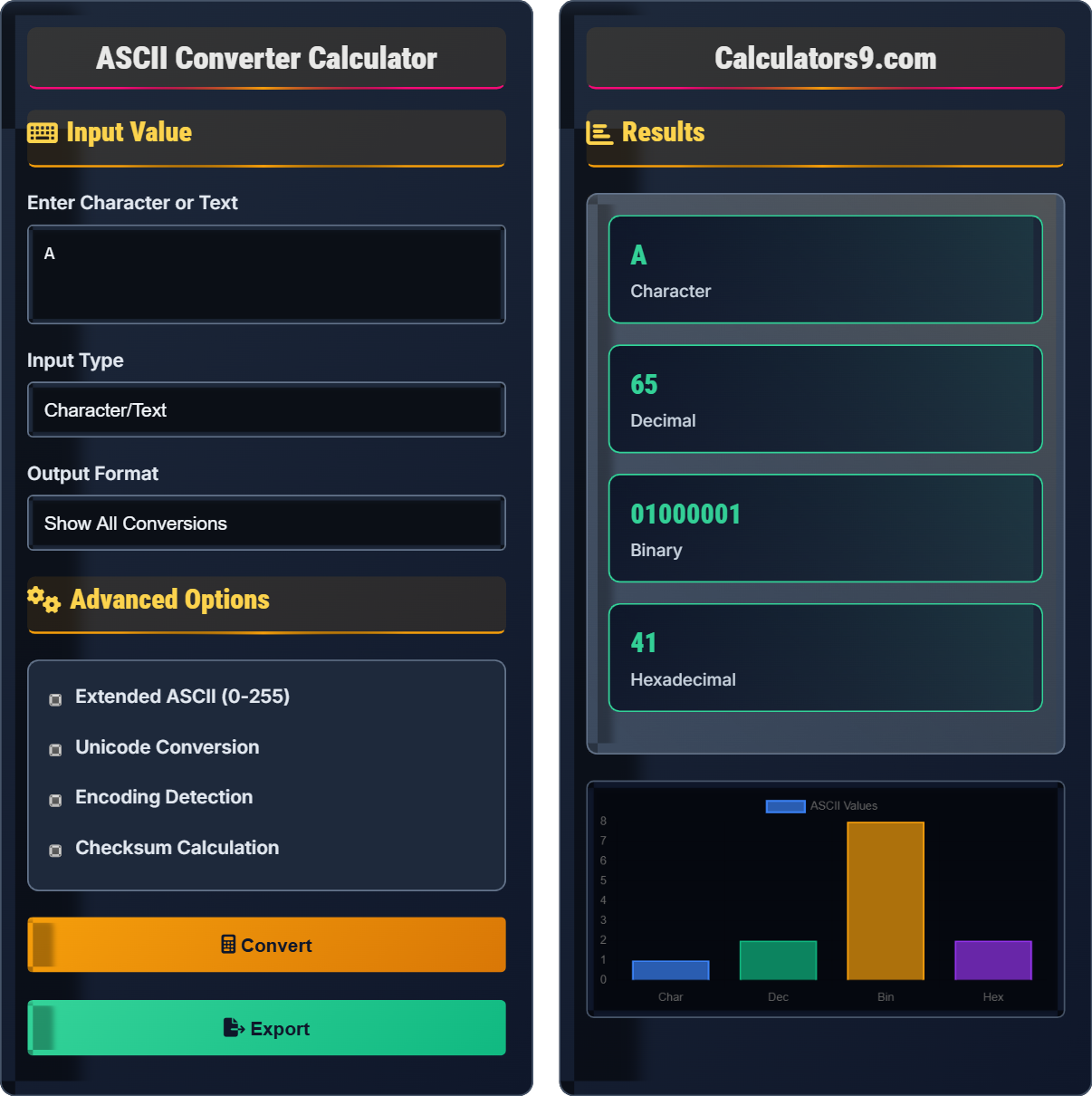
Input Value
Advanced Options
Results
| Format | Value | Description |
|---|---|---|
| Character | A | Input character |
| Decimal | 65 | ASCII decimal value |
| Binary | 1000001 | 8-bit binary |
| Hex | 41 | Hexadecimal value |
| Parameter | Value | Description |
|---|---|---|
| Octal | 101 | Octal representation |
| HTML Entity | A | HTML entity code |
| URL Encoding | %41 | Percent-encoded value |
| Bit Pattern | 01000001 | Full 8-bit pattern |
Comprehensive ASCII Guide
ASCII (American Standard Code for Information Interchange) is a character encoding standard that assigns numeric values to letters, digits, punctuation marks, and control characters. The standard ASCII table defines 128 characters (0-127), while extended ASCII covers 256 characters (0-255). Each character is represented by a unique decimal number, which can be converted to binary, hexadecimal, or octal formats.
| Dec | Hex | Char | Name |
|---|---|---|---|
| 32 | 20 | Space | |
| 33 | 21 | ! | Exclamation |
| 34 | 22 | " | Quote |
| 48 | 30 | 0 | Digit 0 |
| 49 | 31 | 1 | Digit 1 |
| 65 | 41 | A | Uppercase A |
| 66 | 42 | B | Uppercase B |
| 97 | 61 | a | Lowercase a |
| 98 | 62 | b | Lowercase b |
| 127 | 7F | | Delete |
Key conversion formulas:
- Character to Decimal: Use lookup table or built-in function
- Decimal to Character: chr(n) in most programming languages
- Decimal to Binary: Convert using base conversion algorithm
- Decimal to Hex: Divide by 16, collect remainders
For example, 'A' = 65 decimal = 1000001 binary = 41 hex
ASCII is fundamental to various computing applications:
- Text Processing: Storing and transmitting text data
- Programming: Character comparisons and manipulations
- Communication: Network protocols and data transmission
- File Formats: Plain text files, source code files
- Security: Password encoding, hash functions
- Case Differences: Uppercase and lowercase letters differ by 32
- Digits Start at 48: '0' = 48, '1' = 49, ..., '9' = 57
- Alphabets Sequential: 'A'-'Z' and 'a'-'z' are consecutive
- Bounds Checking: Validate values are within ASCII range
- Encoding Issues: Consider Unicode for international text
ASCII Fundamentals
7-bit character encoding standard representing 128 characters including letters, digits, and control codes.
Each character maps to a unique decimal value 0-127, which can be converted to other bases.
- Uppercase letters: 65-90 ('A'-'Z')
- Lowercase letters: 97-122 ('a'-'z')
- Digits: 48-57 ('0'-'9')
Programming Applications
ASCII values differ by 32 between uppercase and lowercase letters.
- Check if character is uppercase (65-90)
- Add 32 to convert to lowercase
- Check if character is lowercase (97-122)
- Subtract 32 to convert to uppercase
- ASCII only covers English characters
- Consider Unicode for international text
- Validate input to prevent buffer overflows
- Be aware of encoding differences
ASCII Learning Quiz
What is the ASCII decimal value of the character 'Z'?
The answer is B) 90. The uppercase letters A-Z have ASCII values 65-90. Since A=65, B=66, C=67, and so on, Z is the 26th letter of the alphabet, so its value is 65+25=90.
ASCII values for uppercase letters are sequential from A=65 to Z=90. Similarly, lowercase letters are sequential from a=97 to z=122. This sequential nature makes character arithmetic possible in programming.
ASCII: American Standard Code for Information Interchange
Character Encoding: Mapping of characters to numeric values
Sequential: Following a continuous sequence
• A-Z range from 65-90
• a-z range from 97-122
• Difference between upper and lower is 32
• Remember A=65, a=97
• Uppercase and lowercase differ by 32
• Digits 0-9 are 48-57
• Confusing upper and lower case ranges
• Forgetting that letters are sequential
• Mixing up digit range (48-57, not 0-9)
Explain how to convert between uppercase and lowercase letters using ASCII values. Provide the ASCII values for 'H' and 'h', and show the mathematical relationship between them.
To convert between uppercase and lowercase letters using ASCII:
• To convert uppercase to lowercase: add 32 to the ASCII value
• To convert lowercase to uppercase: subtract 32 from the ASCII value
For 'H': ASCII value is 72
For 'h': ASCII value is 104
The difference: 104 - 72 = 32
Mathematical relationship: lowercase = uppercase + 32
Or: uppercase = lowercase - 32
This mathematical relationship allows for efficient case conversion in programming without lookup tables. By simply adding or subtracting 32, you can toggle between upper and lowercase forms of the same letter. This works because ASCII was designed with this systematic arrangement.
Case Conversion: Changing letter case (upper/lower)
ASCII Arithmetic: Performing math on character codes
Systematic Arrangement: Logical organization of values
• Always validate character is a letter before conversion
• Check bounds to avoid invalid characters
• Consider locale-specific rules for international text
• Use bitwise operations: char | 32 for lowercase, char & 223 for uppercase
• Verify character is in valid range before conversion
• Use built-in functions when available
• Applying conversion to non-alphabetic characters
• Forgetting to validate character ranges
• Not considering international character sets
FAQ
Q: What's the difference between ASCII and Unicode?
A: ASCII is a 7-bit character encoding that represents 128 characters (0-127), primarily covering English letters, digits, and basic symbols. Unicode is a universal character encoding standard that can represent over 143,000 characters from multiple scripts and symbol sets.
Key differences:
• Size: ASCII: 7 bits (extended: 8 bits), Unicode: up to 21 bits
• Characters: ASCII: 128, Unicode: 143,000+
• Scope: ASCII: English-centric, Unicode: International
• Compatibility: First 128 Unicode characters match ASCII
Unicode encodings (UTF-8, UTF-16) are backward compatible with ASCII for the first 128 characters.
Q: How do I convert a string to ASCII values in programming?
A: Different languages have different approaches:
Python: [ord(char) for char in string]
JavaScript: Array.from(string).map(c => c.charCodeAt(0))
Java: string.toCharArray() then (int)char
C++: static_cast<int>(char)
Example: "ABC" becomes [65, 66, 67] in decimal ASCII values.
Always validate that characters are within ASCII range (0-127 for standard ASCII) if you need to ensure compatibility.