Bandwidth Calculator
Speed & data transfer tool • 2026 edition
Bandwidth Calculation Formulas:
Calculate BandwidthData Transfer Time: Time = File Size / Bandwidth
File Size: Size = Bandwidth × Time
Bandwidth: BW = File Size / Time
Where:
- Time = Duration for data transfer
- File Size = Amount of data to transfer
- Bandwidth = Data transfer rate
- Latency = Network delay (affects actual speeds)
These formulas calculate data transfer parameters. Bandwidth is typically measured in Mbps (megabits per second) or MBps (megabytes per second).
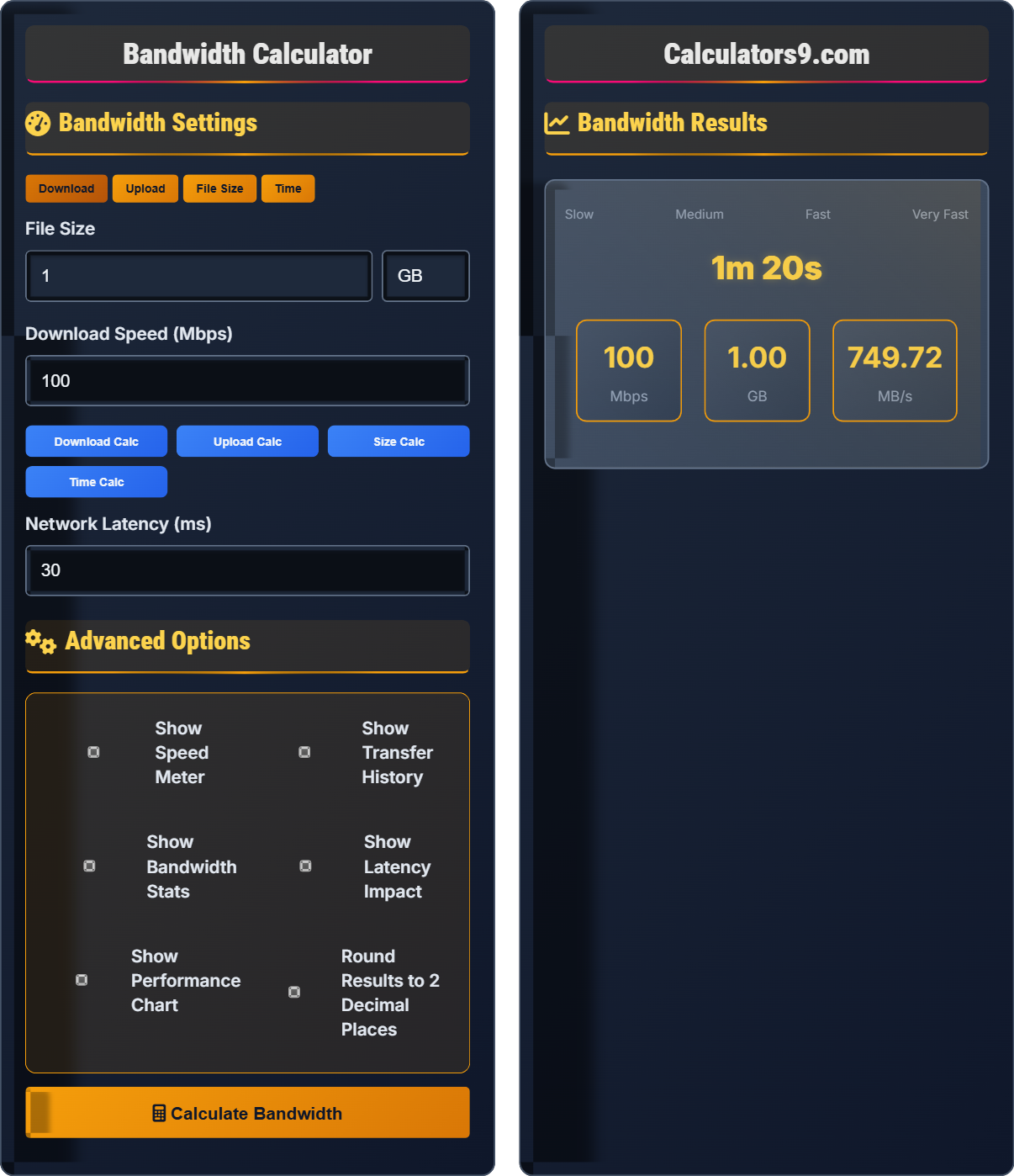
Example: To transfer a 1GB file at 100 Mbps:
Time = (1 GB × 8) / 100 Mbps = 8 Gb / 100 Mbps = 80 seconds
Note: 1 byte = 8 bits, so convert bytes to bits when calculating.
Bandwidth Settings
Advanced Options
Bandwidth Results
Bandwidth Fundamentals
Bandwidth is the maximum data transfer rate of a network connection, measured in bits per second (bps). It determines how fast data can be transmitted.
Time = File Size / Bandwidth
Where file size is converted to bits (multiply by 8).
- 1 Byte = 8 bits
- Mbps = Megabits per second
- MBps = Megabytes per second
- Actual speeds may be lower due to latency
Speed Categories
Slow: <1 Mbps, Broadband: 1-25 Mbps, Fast: 25-100 Mbps, Ultra-Fast: >100 Mbps
- Web browsing: 1-5 Mbps
- HD video streaming: 5-25 Mbps
- 4K video streaming: 25-50 Mbps
- Online gaming: 3-6 Mbps
- Latency affects perceived speed
- Multiple devices share bandwidth
- Network congestion impacts performance
- Wireless speeds may be slower than wired
Bandwidth Calculation Learning Quiz
How long will it take to download a 2 GB file at 50 Mbps?
The answer is C) 3 minutes 12 seconds. First, convert the file size to bits: 2 GB × 8 = 16 Gb = 16,000 Mb. Then divide by the bandwidth: 16,000 Mb ÷ 50 Mbps = 320 seconds = 5 minutes 20 seconds.
Remember that file sizes are typically given in bytes (B) but bandwidth is in bits per second (b). Always convert bytes to bits by multiplying by 8. The formula is: Time = (File Size in bits) / Bandwidth. 1 GB = 8 Gb, so 2 GB = 16 Gb.
Bit: Basic unit of digital information (0 or 1)
Byte: 8 bits, commonly used for file sizes
Bandwidth: Maximum data transfer rate
• 1 Byte = 8 bits
• Mbps = Megabits per second
• Convert file size to bits before dividing
• Remember: 1 GB = 8 Gb
• Always check units match in calculations
• Forgetting to convert bytes to bits
• Mixing Mbps and MBps units
If it takes 10 minutes to upload a 500 MB file, what is the upload speed in Mbps? Show all calculations.
Step 1: Convert file size to bits: 500 MB × 8 = 4000 Mb
Step 2: Convert time to seconds: 10 minutes × 60 = 600 seconds
Step 3: Apply the formula: Speed = Distance / Time
Speed = 4000 Mb / 600 s = 6.67 Mbps
Therefore, the upload speed is approximately 6.67 Mbps.
This problem demonstrates the inverse relationship between file size, time, and speed. When time and file size are known, speed can be calculated using: Speed = File Size / Time. Always ensure units are consistent before calculating.
Upload Speed: Rate of sending data to server
Download Speed: Rate of receiving data from server
Throughput: Actual data transfer rate
• Upload speeds are typically slower than download
• Always convert bytes to bits for calculations
• Mbps = Megabits per second
• Use the triangle method: Speed = Size/Time
• Always double-check unit conversions
• Forgetting to convert time to seconds
• Not converting bytes to bits
Bandwidth FAQ
Q: What's the difference between Mbps and MBps, and why does it matter?
A: The difference is crucial:
Mbps (Megabits per second):
• Used by ISPs to advertise internet speeds
• 1 Mbps = 1,000,000 bits per second
• Standard unit for measuring network bandwidth
MBps (Megabytes per second):
• Used by file transfer applications
• 1 MBps = 1,000,000 bytes per second
• Standard unit for measuring file transfer speeds
Since 1 byte = 8 bits, to convert Mbps to MBps, divide by 8. So 100 Mbps = 12.5 MBps. This is why your download speeds appear lower than advertised.
Q: How does latency affect actual download speeds compared to the advertised bandwidth?
A: Latency and bandwidth are different metrics that both impact your internet experience:
Bandwidth: Determines how much data can be transferred per second (theoretical maximum)
Latency: Measures the delay between sending and receiving data (response time)
While bandwidth determines your maximum potential speed, latency affects how quickly you establish connections and receive responses. High latency can make websites feel sluggish even with high bandwidth. For gaming and video calls, low latency (ping) is more important than raw bandwidth.
Real-world speeds are affected by:
• Network congestion
• Server response times
• Number of connected devices
• Wireless signal quality
Typically, you'll achieve 80-90% of your advertised bandwidth under optimal conditions.