Audio Converter
Professional format converter • Quality preservation
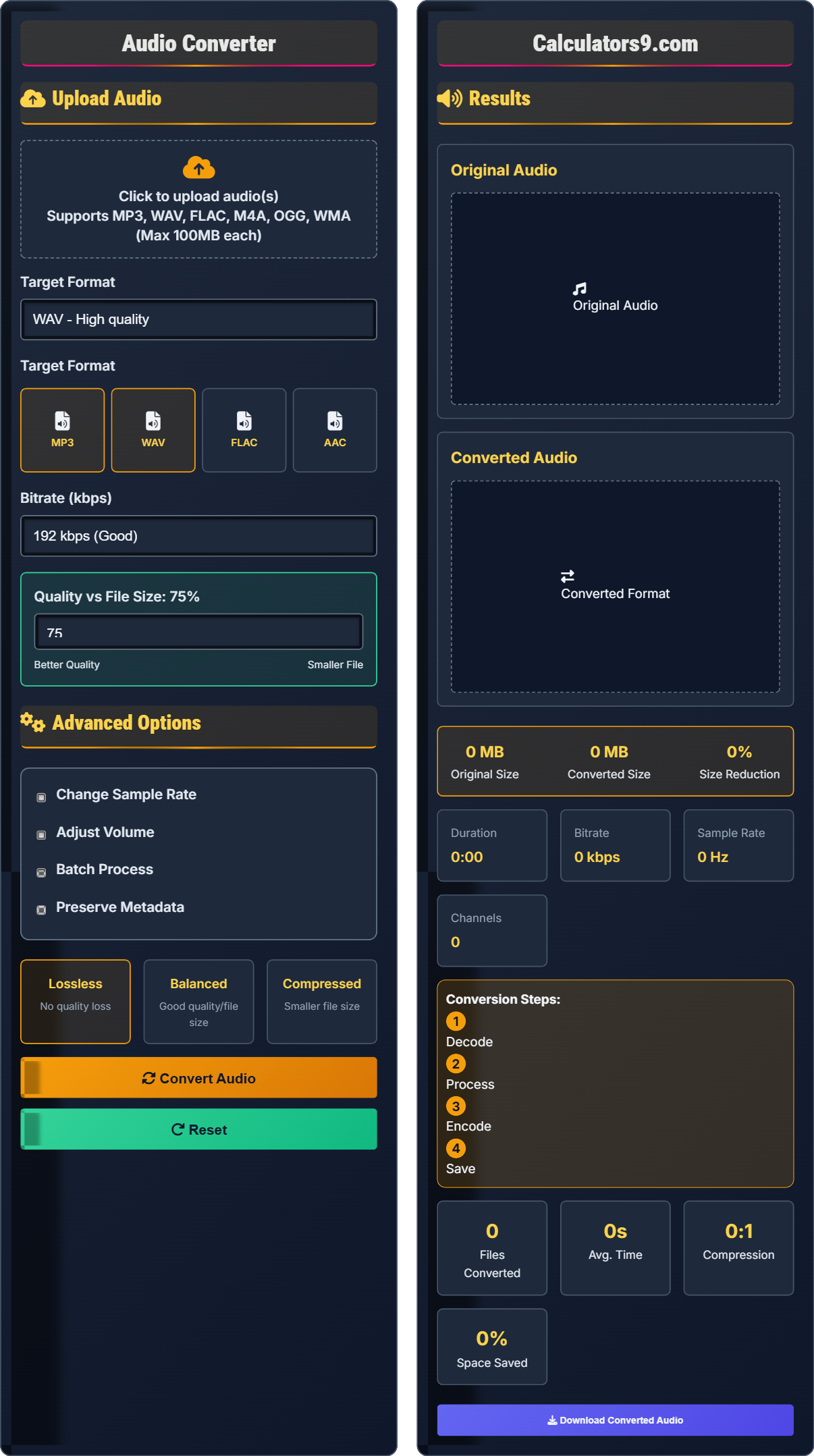
Audio Conversion Process:
Show the toolAudio conversion involves transforming audio data from one format to another, potentially changing compression, sampling rate, and quality. The process includes:
Key steps include:
- Decoding: Reading the original audio format
- Processing: Applying transformations and optimizations
- Encoding: Writing to the target format
- Compression: Applying lossy or lossless compression
Conversion Ratios: MP3 typically achieves 10:1 compression, WAV is uncompressed.
Supported Formats: MP3, WAV, FLAC, AAC, OGG, M4A, and more.
Processing Time: Typically 1-3 seconds per minute of audio depending on settings.
Upload Audio
Advanced Options
Results
Original Audio
Converted Audio
Comprehensive Audio Conversion Guide
Audio conversion is the process of transforming audio data from one format to another, potentially changing compression, sampling rate, and quality parameters. This allows audio to be optimized for different devices, platforms, or storage requirements.
Different formats serve various purposes and have distinct characteristics:
- MP3: Lossy compression, excellent compatibility
- WAV: Uncompressed, high quality
- FLAC: Lossless compression, high quality
- AAC: Advanced compression, good quality
Each format has unique characteristics that affect conversion:
- MP3: Lossy compression, small file size, wide compatibility
- WAV: Uncompressed, large file size, highest quality
- FLAC: Lossless compression, smaller than WAV, high quality
- AAC: Better compression than MP3 at same quality
- From WAV to MP3: Significant size reduction with minimal quality loss
- From MP3 to FLAC: No quality improvement, only larger files
- For Portability: Use MP3 with 128-192 kbps
- For Archival: Use FLAC or WAV for quality preservation
- Batch Processing: Convert multiple files efficiently with consistent settings
Conversion Fundamentals
Bitrate measures the amount of data processed per second, typically expressed in kilobits per second (kbps). Higher bitrates generally mean better quality but larger file sizes.
File Size (MB) = (Bitrate × Duration) / 8000
Where Duration is in seconds and Bitrate is in kbps.
- Lossy conversions are irreversible
- Metadata may be stripped during conversion
- Higher bitrates = better quality
Optimization Strategies
Sampling rate determines how many samples per second are taken from an audio signal, measured in Hertz (Hz).
- Portability: MP3 at 128-192 kbps
- Quality: FLAC for lossless storage
- Archival: WAV for uncompressed quality
- MP3 ideal for portable devices
- FLAC for quality-conscious listeners
- WAV for professional use
- Consider device compatibility
Audio Conversion Learning Quiz
Which audio format is best for high-quality music storage with the smallest file size?
The answer is B) FLAC. FLAC provides lossless compression, meaning it maintains the same quality as the original source while achieving file sizes about 50-70% smaller than WAV. This makes it ideal for high-quality music storage with efficient space usage.
This question tests understanding of the fundamental trade-off in audio formats between quality and file size. WAV is uncompressed and maintains perfect quality but creates very large files. MP3 achieves small file sizes but loses quality. FLAC uniquely provides both lossless quality and compression, making it optimal for archival purposes.
Lossless Compression: Compression that preserves all original audio data
Compression Ratio: Ratio of original size to compressed size
Archival Quality: Preserving audio without any quality loss
• FLAC offers lossless compression
• WAV is uncompressed but high quality
• MP3 is lossy but space efficient
• Use FLAC for music libraries
• Use MP3 for portable devices
• Keep original files in lossless format
• Using WAV for large music libraries (too much space)
• Using MP3 for archival (quality loss)
• Not understanding compression types
What happens when you convert a 320 kbps MP3 file to 128 kbps MP3?
Converting from 320 kbps to 128 kbps MP3 results in additional quality loss. The audio is decompressed from the original 320 kbps file and then re-compressed at 128 kbps, which removes more audio information. This process is called "generation loss" and creates a file that is smaller but with noticeably lower quality than the original 320 kbps version.
This illustrates the fundamental principle that lossy audio formats cannot be improved by re-encoding. When you convert from a lossy format to another lossy format, you lose additional information even if the target bitrate is higher than the source. This demonstrates why it's important to keep original high-quality versions of audio files.
Generation Loss: Cumulative quality degradation from repeated compression
Lossy Compression: Compression that permanently removes audio data
Re-encoding: Converting already compressed audio to another format
• Never convert lossy to lossy
• Convert from lossless to lossy only once
• Maintain master copies in high quality
• Use original source for conversions
• Converting MP3 to MP3 (quality loss)
• Not keeping original high-quality versions
• Re-encoding multiple times
A music producer needs to convert a 3-minute song from WAV to MP3. The original WAV file is 30MB. Calculate the expected file size at 192 kbps and explain whether this conversion is appropriate for portable device storage.
Using the formula: File Size (MB) = (Bitrate × Duration) / 8000
Duration = 3 minutes = 180 seconds
Expected size = (192 × 180) / 8000 = 4.32 MB
This conversion is appropriate for portable devices as it reduces the file size from 30MB to 4.32MB (about 85% reduction) while maintaining good quality at 192 kbps. The resulting file is much more suitable for mobile storage and streaming.
This problem demonstrates the mathematical relationship in audio conversion and practical application. The calculation shows how significant space savings can be achieved while maintaining acceptable quality. Understanding these relationships helps in making informed decisions about format conversions based on storage constraints and quality requirements.
File Size Calculation: Mathematical determination of audio file size
Compression Ratio: Original size divided by compressed size
Storage Efficiency: Optimizing file size for storage constraints
• File Size = (Bitrate × Duration) / 8000
• Calculate expected size before conversion
• Consider storage constraints
• Balance quality with file size
• Not calculating expected file sizes
• Using inappropriate bitrates
• Ignoring storage limitations
A podcast producer needs to convert 50 episodes from WAV to MP3 at 128 kbps for online distribution. Each episode is 30 minutes long. Calculate the total storage savings and propose optimization strategies to reduce processing time while maintaining quality.
Original total size: 50 episodes × 30 min × 10 MB/min ≈ 1,500 MB
Converted total size: 50 episodes × 30 min × 1.2 MB/min ≈ 180 MB
Storage savings: 1,500 - 180 = 1,320 MB (88% reduction)
Optimization strategies: (1) Use batch processing software; (2) Utilize multi-threading; (3) Process during off-peak hours; (4) Use faster hardware; (5) Optimize encoding settings for speed.
This represents a classic scalability problem in audio production. The relationship between file count and processing time is linear, but the storage savings are substantial. Batch processing allows for efficient handling of multiple files with consistent settings, demonstrating the importance of automation in professional audio workflows.
Batch Processing: Processing multiple files with same settings
Storage Efficiency: Optimizing space usage
Automation: Streamlining repetitive tasks
• Batch processing saves time
• Large conversions offer significant savings
• Automation improves efficiency
• Use batch processing for multiple files
• Schedule large jobs during off-hours
• Consider cloud processing for large jobs
• Processing files individually when batch is possible
• Not considering processing time in project planning
• Running large batches during peak hours
What happens to ID3 tags when converting from MP3 to WAV?
The answer is B) Lost during conversion. WAV format does not natively support ID3 metadata tags. When converting from MP3 to WAV, ID3 tags (containing artist, album, title information) are typically lost unless specifically extracted and preserved separately. Some conversion tools offer options to preserve metadata, but this is not standard behavior.
This highlights the importance of understanding format-specific capabilities when planning conversions. ID3 tags contain valuable metadata information, but different audio formats have different metadata support. This knowledge is crucial for professionals who rely on embedded information for organization and cataloging.
ID3 Tags: Metadata format for audio files
Metadata: Information about audio content
Format Compatibility: Ability of formats to support specific features
• MP3 supports ID3 tags
• WAV does not support ID3 natively
• Metadata may be lost during conversion
• Extract metadata before conversion if needed
• Use tools that preserve metadata when possible
• Keep original files with important metadata
• Assuming metadata is preserved in all conversions
• Not backing up ID3 data before conversion
• Losing important organizational information
FAQ
Q: What's the difference between lossy and lossless audio compression, and how does it affect sound quality?
A: The key differences are:
- Lossy Compression: Permanently removes some audio data to achieve smaller file sizes (MP3)
- Lossless Compression: Preserves all audio data, resulting in larger files (FLAC)
Mathematically, compression ratio is defined as:
\( CR = \frac{\text{Original Size}}{\text{Compressed Size}} \)
For MP3: typical CR = 10:1 to 12:1, with quality loss. For FLAC: CR = 2:1 to 5:1, with no quality loss.
Lossy compression algorithms use psychoacoustic models to remove frequencies that are less perceptible to human hearing, while lossless algorithms use prediction and entropy coding to compress without data loss.
Q: Should I record my podcasts in WAV or MP3 format?
A: For podcast recording:
- Record in WAV: For maximum editing flexibility
- Export to MP3: For distribution and streaming
- Use 44.1kHz/16-bit: Standard CD quality
- 320 kbps: High quality for speech
Recording in WAV preserves maximum quality for editing, while MP3 is ideal for distribution due to smaller file sizes. The information retention can be quantified as:
\( \text{Information Loss} = \frac{\text{WAV Bits} - \text{MP3 Bits}}{\text{WAV Bits}} \times 100\% \)
For speech content, 128-192 kbps MP3 provides excellent quality-to-size ratio.