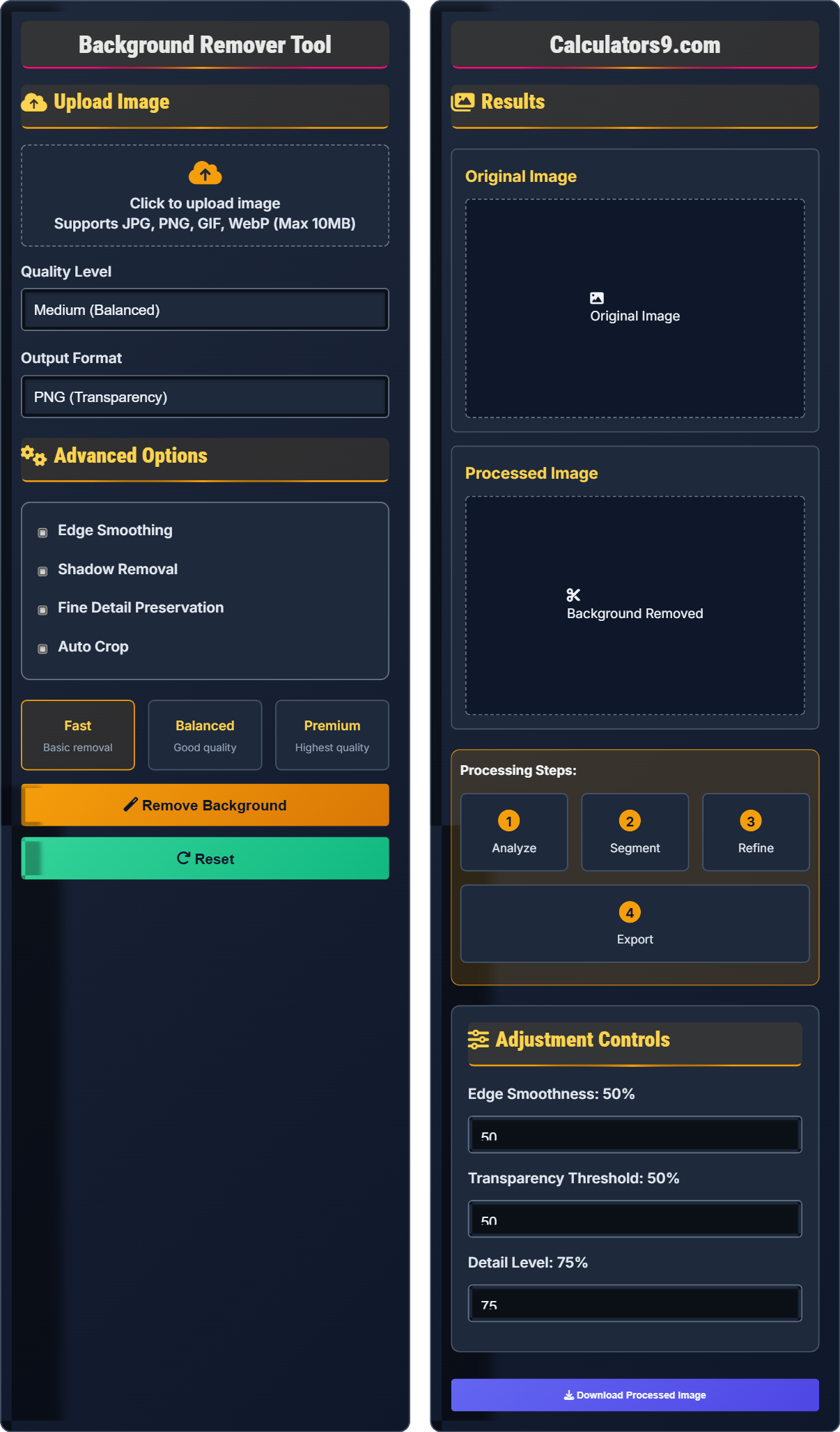
Background Remover Tool
AI-powered image editor • Professional quality
Background Removal Process:
Show the toolThe background removal process involves several sophisticated computer vision algorithms including edge detection, color segmentation, and machine learning models trained to identify foreground objects.
Key steps include:
- Edge Detection: Identifying boundaries between foreground and background
- Color Segmentation: Separating regions based on color similarity
- Machine Learning: Using neural networks to classify pixels
- Alpha Matting: Creating smooth transitions around edges
Quality Metrics: Professional tools achieve 95-99% accuracy depending on complexity.
File Formats: Supports PNG (transparency), JPG, WebP, and GIF formats.
Processing Time: Typically 1-5 seconds for standard resolution images.
Upload Image
Advanced Options
Results
Original Image
Processed Image
Adjustment Controls
Comprehensive Background Removal Guide
Background removal is a digital image processing technique that separates the main subject (foreground) from its background. This allows for the creation of images with transparent backgrounds, enabling seamless integration into other compositions, presentations, or designs.
Modern background removal tools use advanced algorithms including:
- Deep Learning Models: Neural networks trained on millions of images
- Edge Detection Algorithms: Identifying precise boundaries
- Color Segmentation: Separating based on color differences
- Alpha Matting: Creating smooth transitions around edges
Your processed images can be exported in multiple formats:
- PNG: Supports transparency, ideal for web use
- JPG: Smaller file size, background filled with white
- WebP: Modern format with excellent compression
- GIF: Animated support with transparency
- Contrast Matters: High contrast between subject and background improves accuracy
- Lighting Consistency: Even lighting prevents shadow-related errors
- Resolution Consideration: Higher resolution may capture more detail
- Complex Hair: Use premium settings for detailed areas
- Multiple Objects: Process individual items separately for best results
Background Removal Basics
Alpha channel defines the transparency level of each pixel, allowing partial transparency for smooth edges.
Machine learning models analyze pixel patterns to determine foreground probability.
- Complex backgrounds require more processing power
- Similar colors to subject cause separation issues
- Higher quality settings produce better results
Optimization Strategies
Post-processing techniques smooth rough edges and preserve fine details.
- Fast: Basic processing for simple backgrounds
- Balanced: Good compromise of speed and quality
- Premium: Highest quality for complex subjects
- PNG supports full transparency
- JPG cannot store transparency
- WebP offers best compression
- Consider file size vs quality
Background Removal Learning Quiz
What does an alpha channel represent in digital images?
The answer is B) Transparency level. An alpha channel is an additional channel in an image that stores transparency information for each pixel. It determines how opaque or transparent each pixel appears, ranging from 0% (completely transparent) to 100% (completely opaque).
Understanding alpha channels is fundamental to background removal and image compositing. While RGB channels store red, green, and blue color information, the alpha channel adds a fourth dimension of transparency. This enables smooth edges and partial transparency, which is essential for professional background removal results.
Alpha Channel: The transparency component of an image, separate from RGB color channels
RGBA: Red, Green, Blue, Alpha - the four-channel color model
Transparency: The degree to which underlying layers show through
• Alpha channels enable smooth edge transitions
• PNG format supports alpha transparency
• JPEG format does not support transparency
• Remember RGBA: Red, Green, Blue, Alpha
• Use PNG for images with transparency
• Alpha matting creates natural-looking edges
• Confusing alpha channels with brightness adjustments
• Using JPEG for images requiring transparency
• Not understanding how alpha affects compositing
Which factors significantly impact the quality of background removal results? Select all that apply.
Key factors affecting background removal quality include: (1) Contrast between subject and background - higher contrast improves algorithm accuracy; (2) Image resolution - higher resolution captures more detail; (3) Complexity of subject edges - hair, fur, or fine details require special handling; (4) Lighting consistency - even lighting prevents shadow artifacts; (5) Background complexity - plain backgrounds are easier to separate than busy ones.
Background removal quality depends on multiple image characteristics. The computer vision algorithms rely on distinguishing features between foreground and background. High contrast makes this distinction clearer, while complex textures or similar colors create challenges. Understanding these factors helps users prepare images for optimal results.
Contrast: Difference in brightness/color between foreground and background
Edge Detection: Algorithm identifying boundaries between objects
Matting: Technique for extracting semi-transparent regions
• High contrast improves separation accuracy
• Complex edges require premium processing
• Lighting affects shadow and edge quality
• Use even lighting for best results
• Plain backgrounds are easier to remove
• Fine details need higher quality settings
• Expecting perfect results with low contrast images
• Using basic settings for complex subjects
• Ignoring lighting quality in source images
You're creating a logo with a transparent background for a client's website. The logo features fine details and partial transparency around the edges. Which file format should you choose and why? Compare the advantages and disadvantages of your choice versus alternatives.
For a logo with transparency and fine details, PNG is the optimal choice. PNG supports full alpha transparency, preserving the partial transparency around edges. Advantages: Full transparency support, lossless compression, maintains image quality. Disadvantages: Larger file sizes than JPEG. Alternatives: JPEG doesn't support transparency at all. WebP offers better compression but has limited browser support. GIF supports binary transparency only (no partial transparency).
File format selection is critical for background removal projects. Different formats have specific capabilities regarding transparency and compression. PNG's lossless nature and alpha channel support make it ideal for logos and graphics requiring transparency. The choice depends on the intended use case and technical requirements.
Lossless Compression: Compression that preserves all image data
Alpha Transparency: Partial transparency with multiple opacity levels
Binary Transparency: Only fully transparent or opaque pixels
• PNG supports full alpha transparency
• Use PNG for logos and graphics with transparency
• Consider WebP for web optimization
• JPEG for photographs without transparency needs
• Using JPEG for transparent images (creates white background)
• Not considering file size implications
• Ignoring browser compatibility for WebP
An e-commerce company needs to process thousands of product photos daily. They want the highest quality background removal but also need fast processing times. Analyze the trade-offs between processing speed and quality, and recommend a strategy that balances both requirements.
The trade-off between speed and quality in background removal follows a predictable pattern: higher quality requires more computational resources and time. Strategy: (1) Use balanced settings for standard products; (2) Apply premium processing only to complex items with fine details; (3) Batch process during off-peak hours; (4) Consider tiered approach based on product importance. Quality levels typically scale processing time exponentially while improving results incrementally.
This represents a classic optimization problem in image processing. The relationship between quality and processing time is non-linear - small quality improvements often require disproportionately large time investments. Smart resource allocation involves matching processing intensity to actual requirements rather than applying maximum quality universally.
Quality-Speed Trade-off: Inverse relationship between processing quality and time
Batch Processing: Processing multiple images simultaneously
Tiered Processing: Applying different quality levels based on needs
• Processing time increases exponentially with quality
• Not all images require maximum quality
• Strategic quality selection optimizes resources
• Analyze image complexity before processing
• Use automation for consistent quality
• Schedule intensive processing during downtime
• Applying maximum quality to all images uniformly
• Not considering processing capacity limitations
• Failing to optimize workflows for volume
Which technique is most effective for handling fine details like hair or fur during background removal?
The answer is B) Alpha matting. Alpha matting is specifically designed to handle semi-transparent regions and fine details like hair, fur, or translucent materials. It estimates the opacity of each pixel rather than assigning binary classification, creating natural-looking edges with partial transparency.
Traditional binary segmentation assigns each pixel entirely to foreground or background, which creates harsh edges unsuitable for fine details. Alpha matting solves this by determining fractional contributions, allowing pixels to belong partially to both foreground and background. This creates the soft, natural edges needed for realistic compositing.
Alpha Matting: Technique for extracting semi-transparent regions
Binary Segmentation: Assigning pixels to only foreground or background
Semi-transparency: Partial opacity between 0% and 100%
• Alpha matting handles fine details best
• Binary methods create harsh edges
• Fine details require specialized algorithms
• Enable premium settings for hair/fur
• Look for "refine edges" options
• Alpha matting preserves natural transitions
• Using basic tools for complex hair details
• Not adjusting settings for fine details
• Accepting harsh edges around complex subjects
FAQ
Q: Why does my background removal have jagged edges around hair or fine details?
A: Jagged edges around fine details like hair occur because basic segmentation algorithms assign each pixel entirely to foreground or background. For better results, use alpha matting techniques that allow partial transparency.
Modern background removal tools use machine learning models trained to recognize fine details. These models employ algorithms like Poisson blending and gradient domain processing to create natural-looking edges.
Mathematically, alpha matting solves for the unknown foreground (F) and background (B) colors and the alpha value (α) in the equation:
\( I = αF + (1-α)B \)
Where I is the observed pixel color. This allows for smooth transitions in complex areas.
Q: What's the difference between PNG and JPG for background-removed images?
A: The key difference lies in transparency support:
- PNG: Supports full alpha transparency (0-100% opacity), uses lossless compression, larger file sizes
- JPG: No transparency support, uses lossy compression, smaller file sizes
For background-removed images requiring transparency, PNG is essential. A JPG will show a solid background color (usually white) where transparency should be. PNG files can be 3-5x larger than equivalent JPGs due to lossless compression, but maintain perfect quality for graphics and images with sharp edges.