Image Compressor
Professional image optimization • File size reduction
Image compression reduces file sizes while maintaining visual quality through sophisticated algorithms. Lossy compression (like JPEG) removes imperceptible data, while lossless compression (like PNG) reduces redundancy without quality loss.
Key Technologies:
- Lossy Compression: Discards unnecessary image data for maximum size reduction
- Lossless Compression: Preserves all image data while reducing file size
- Quantization: Reduces color precision to decrease file size
- Entropy Coding: Efficient binary representation of image data
- Wavelet Transform: Advanced compression used in JPEG 2000
Web Performance Impact: Properly compressed images can reduce page load times by 60-80%, significantly improving user experience and search engine rankings. Google PageSpeed Insights considers image optimization a critical factor.
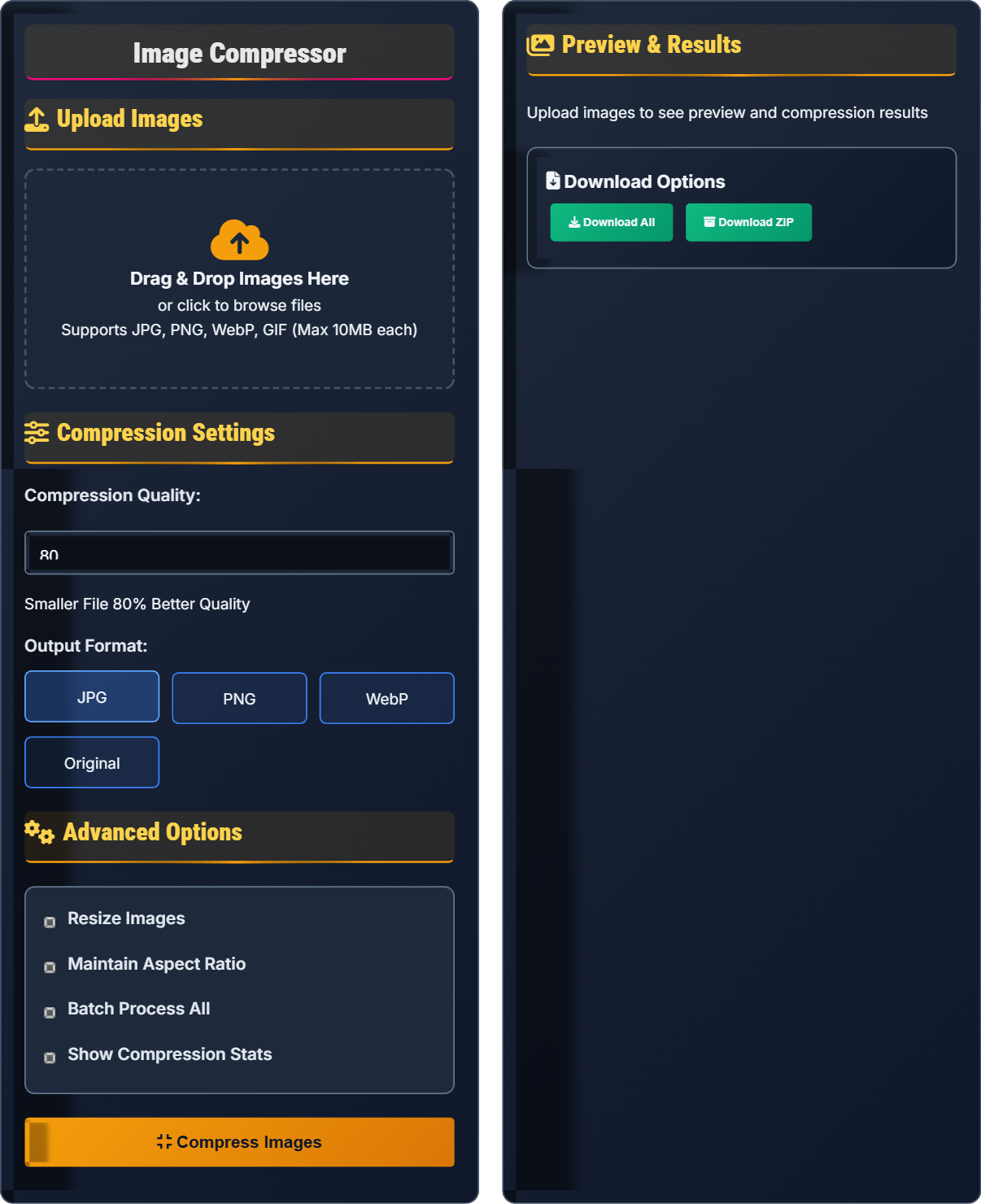
Upload Images
Drag & Drop Images Here
or click to browse files
Supports JPG, PNG, WebP, GIF (Max 10MB each)
Compression Settings
Advanced Options
Preview & Results
Download Options
Image Compression Fundamentals
Lossy Compression: Permanently removes some image data to achieve smaller file sizes. JPEG is the most common lossy format, ideal for photographs and complex images. Quality settings control the trade-off between file size and visual fidelity.
Lossless Compression: Reduces file size without losing any image data. PNG and GIF use lossless compression, perfect for graphics with transparency, logos, and images with few colors. Files are larger than lossy formats but retain perfect quality.
Modern image compression uses sophisticated algorithms:
- Discrete Cosine Transform (DCT): Used in JPEG compression
- Huffman Coding: Entropy encoding method
- LZW Compression: Used in GIF format
- Deflate: Combines LZ77 and Huffman coding (PNG)
- Wavelet Transform: Advanced method for JPEG 2000
- Use JPEG (80-90% quality) for photographs
- Use PNG for graphics with transparency
- Use WebP for modern web projects
- Resize images to display dimensions
Web Performance Optimization
Image optimization significantly impacts web performance metrics:
- Page Load Speed: Optimized images reduce load times by 60-80%
- Data Usage: Smaller images reduce bandwidth consumption
- SEO Rankings: Google considers page speed as a ranking factor
- User Experience: Faster loading improves engagement
Effective image optimization includes:
- Choose appropriate file format
- Select optimal compression level
- Resize to exact display dimensions
- Implement lazy loading
- Use responsive images with srcset
- JPEG: Photographs, complex images (60-80% quality)
- PNG: Graphics with transparency, simple images
- WebP: Modern browsers, superior compression
- GIF: Simple animations, limited colors
Image Compression Quiz
Which image format is most appropriate for photographs with high color depth?
The answer is B) JPEG. JPEG is specifically designed for photographs and complex images with high color depth. It uses lossy compression that efficiently reduces file sizes for photographic content while maintaining acceptable visual quality. PNG is better for graphics with transparency, and GIF is limited to 256 colors.
Understanding format-specific strengths is crucial for effective image optimization. JPEG's discrete cosine transform (DCT) algorithm is particularly effective at compressing natural images with gradual color transitions. The lossy nature of JPEG allows for significant file size reductions that are imperceptible to most viewers in photographic content.
Color Depth: Number of bits used to represent color information
Lossy Compression: Irreversible data reduction technique
Discrete Cosine Transform: Mathematical technique used in JPEG compression
• Use JPEG for photographs and complex images
• Use PNG for graphics with transparency
• Consider WebP for modern applications
• Set JPEG quality to 80-90% for photos
• Use progressive JPEG for better loading
• Test different formats for specific use cases
• Using PNG for photographic content
• Applying excessive compression to photos
• Not considering WebP support
Explain the relationship between compression quality settings and file size reduction. Include specific examples of quality settings and expected outcomes for different types of images.
Compression Quality Relationship: There's an exponential relationship between quality settings and file size. Small reductions in quality can yield significant file size savings.
Quality Settings by Image Type:
- Photographs: 80-90% quality (50-70% file size reduction)
- Graphics: 95-100% quality (minimal reduction, preserve details)
- Web Images: 60-80% quality (60-80% reduction, acceptable quality)
Expected Outcomes: At 80% quality, a 2MB photograph might compress to 400KB (80% reduction). At 60% quality, it might compress to 200KB (90% reduction) with noticeable but acceptable quality loss.
The relationship between quality and file size follows a diminishing returns pattern. Initial quality reductions provide dramatic file size savings, but further reductions yield smaller savings with more noticeable quality loss. Understanding this curve helps optimize the quality/file-size trade-off for different applications.
Compression Ratio: Proportion of original to compressed file size
Diminishing Returns: Decreasing benefit from continued quality reduction
Acceptable Quality: Quality level that meets visual requirements
• Start with 80% quality as baseline
• Adjust based on image content type
• Test visually before finalizing
• Use 80% for general web photos
• Use 95% for images with fine details
• Use 60-70% for background images
• Using 100% quality unnecessarily
• Applying same settings to all images
• Not testing quality visually
A website serves 10,000 images per day, each averaging 2MB uncompressed. If image compression reduces average file size by 75%, calculate the daily bandwidth savings and monthly savings in gigabytes.
Calculations:
- Original daily traffic: 10,000 × 2MB = 20,000MB = 20GB
- Compressed daily traffic: 20GB × (1 - 0.75) = 5GB
- Daily savings: 20GB - 5GB = 15GB
- Monthly savings: 15GB × 30 = 450GB
By implementing 75% compression, the website saves 15GB daily and 450GB monthly, representing significant cost savings in hosting and improved user experience through faster loading times.
This example demonstrates the substantial impact of image compression at scale. The 75% reduction translates to massive bandwidth savings that compound daily. For high-traffic websites, proper image optimization can result in hundreds of gigabytes in monthly savings, directly impacting hosting costs and user experience.
Bandwidth: Amount of data transferred over network
File Size Reduction: Percentage decrease in storage requirements
Scale Effects: Exponential impact of optimizations at high volumes
• Compression benefits multiply at scale
• Even modest reductions have significant impact
• Consider traffic volume in optimization decisions
• Calculate potential savings before implementation
• Prioritize optimization for high-traffic images
• Monitor bandwidth usage regularly
• Underestimating scale effects of compression
• Not calculating actual bandwidth savings
• Ignoring traffic volume in optimization
You're developing a responsive website with images that need to look good on mobile (320px), tablet (768px), and desktop (1920px). Calculate the optimal file sizes for a hero image at each resolution assuming 75% compression and explain the strategy for implementing responsive images.
Optimal Dimensions:
- Mobile (320px): 320×180 pixels
- Tablet (768px): 768×432 pixels
- Desktop (1920px): 1920×1080 pixels
File Size Strategy: Create appropriately sized versions of each image. For a 2MB original:
- Desktop: ~200KB after 75% compression
- Tablet: ~80KB (smaller dimensions)
- Mobile: ~30KB (smallest dimensions)
Implementation: Use HTML5 srcset attribute to serve appropriate image based on device capabilities, preventing mobile devices from downloading unnecessarily large files.
Responsive image strategy combines appropriate sizing with compression for maximum efficiency. Serving oversized images to small screens wastes bandwidth and degrades performance. The srcset attribute enables browsers to select the most appropriate image based on screen resolution and viewport size.
Responsive Images: Different image sizes for different devices
Srcset Attribute: HTML attribute for responsive image serving
Viewport: Visible area of a webpage on a device
• Resize images to display dimensions
• Use srcset for responsive images
• Compress appropriately for each size
• Implement picture element for art direction
• Use WebP with fallback to JPEG
• Consider lazy loading for below-fold images
• Serving same image to all devices
• Not using responsive image techniques
• Ignoring device-specific optimization
Which combination of image optimization techniques provides the greatest improvement in web page loading speed?
The answer is B) Proper format selection + resizing + compression. This combination addresses all major factors affecting image loading speed: choosing the optimal format for content type, ensuring images are not oversized for their display requirements, and applying appropriate compression. Together, these techniques can reduce image loading times by 70-90%.
Image optimization is most effective when applied systematically across multiple dimensions. Format selection ensures the right algorithm for content type, resizing eliminates unnecessary pixels, and compression reduces file size. The synergistic effect of these combined techniques far exceeds the impact of any single approach.
Systematic Optimization: Comprehensive approach across multiple factors
Synergistic Effect: Combined impact greater than individual parts
Performance Optimization: Improvements that enhance loading speed
• Address format, size, and compression
• Consider all optimization techniques
• Combine methods for maximum impact
• Audit existing images for optimization opportunities
• Implement automated optimization workflows
• Monitor performance metrics regularly
• Focusing on only one optimization technique
• Not considering the full optimization stack
• Ignoring format selection in favor of compression
FAQ
Q: What's the difference between lossy and lossless compression, and when should I use each?
A: Lossy compression permanently removes some image data to achieve smaller file sizes. JPEG is the most common lossy format, ideal for photographs and complex images where small quality losses are imperceptible.
Lossless compression reduces file size without losing any image data. PNG and GIF use lossless compression, perfect for graphics with transparency, logos, and images with few colors.
Usage Guidelines:
- Lossy (JPEG): Photographs, complex images with many colors
- Lossless (PNG): Graphics with transparency, simple images with limited colors
- Lossless (GIF): Simple animations, images with few colors
Q: How much quality loss is acceptable when compressing professional photographs?
A: For professional photographs, aim for JPEG quality settings between 80-95% depending on the usage:
- 80-85%: Web display, good balance of quality and file size
- 90-95%: Print preparation, minimal quality loss
- 100%: Critical quality requirements, largest file size
At 80% quality, most viewers won't notice quality differences in typical viewing conditions. For professional portfolios or print work, use 90-95% to ensure quality. The key is testing visually at normal viewing distances to ensure the compression level meets your quality standards.
Consider using WebP format when possible, as it provides superior compression to JPEG with less perceptible quality loss.