Unix Timestamp Converter
Convert Unix Time to Human Readable Dates
Unix Timestamp Definition:
Show the calculatorUnix timestamp is the number of seconds that have elapsed since January 1, 1970, 00:00:00 UTC (the Unix epoch).
Key facts about Unix timestamps:
- Used universally in computing systems
- Represents time as a single integer
- Facilitates cross-platform time synchronization
- Epoch started at midnight UTC on January 1, 1970
Example: The Unix timestamp 1672531199 represents January 1, 2023, 11:59:59 PM UTC.
To convert Unix timestamp to human-readable date:
Human Date = Epoch (Jan 1, 1970) + (Unix Timestamp seconds)
Thus, Unix timestamps provide a consistent way to represent time across different systems.
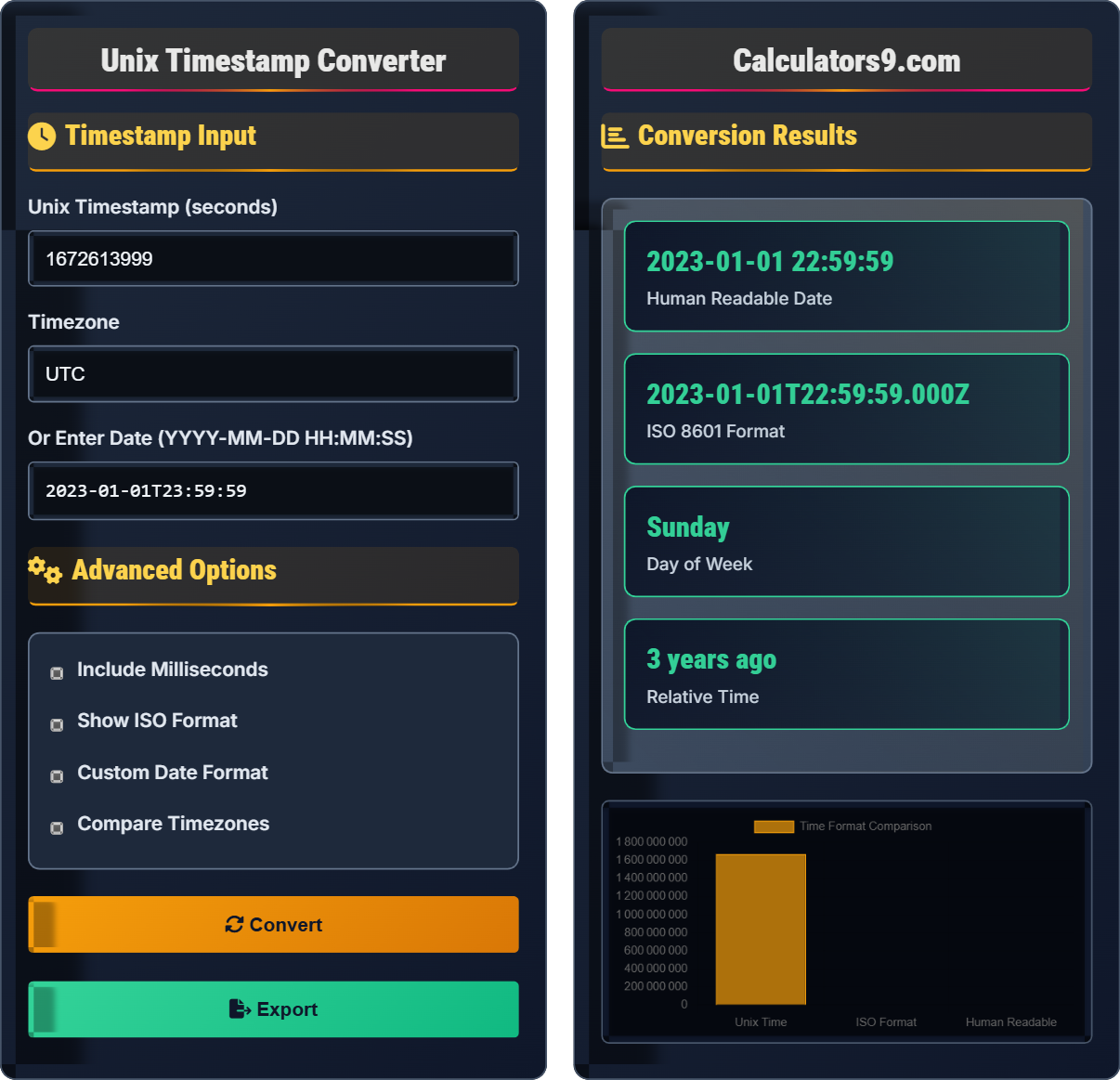
Timestamp Input
Advanced Options
Conversion Results
| Format | Value |
|---|---|
| Standard | 2023-01-01 23:59:59 |
| Long Form | January 1, 2023 at 11:59:59 PM |
| Short Form | Jan 1, 2023 11:59 PM |
| Unix (Seconds) | 1672531199 |
| Unix (Milliseconds) | 1672531199000 |
| Timezone | Date/Time |
|---|
Unix Timestamp Guide
Unix time (or POSIX time) is a system for describing instants in time, defined as the number of seconds that have elapsed since 00:00:00 Coordinated Universal Time (UTC), Thursday, 1 January 1970, not counting leap seconds. It's widely used in operating systems and programming languages.
The Unix epoch began at midnight UTC on January 1, 1970. The choice of this date was somewhat arbitrary but became standardized in early Unix systems. Unix time is stored internally as a signed 32-bit integer, which creates the "Year 2038 Problem" when the value overflows.
Unix timestamps don't account for leap seconds, which can cause minor discrepancies over long periods. Additionally, the Year 2038 Problem affects systems using 32-bit signed integers, which will overflow on January 19, 2038. Modern systems use 64-bit integers to address this issue.
Unix Timestamp Basics
Number of seconds since January 1, 1970, 00:00:00 UTC.
Unix Timestamp = (Target Date - Unix Epoch) in seconds
Where Unix Epoch = January 1, 1970, 00:00:00 UTC
- Does not include leap seconds
- Based on UTC, not local time
- Positive for dates after epoch
- Negative for dates before epoch
Time Management Strategies
Using Unix timestamps for efficient time comparisons and storage.
- Always store in UTC
- Convert to local time for display
- Handle timezone conversions properly
- Consider 32-bit limitations
- Leap seconds not counted
- Year 2038 Problem exists
- Millisecond precision available
- Cross-platform compatibility
Unix Timestamp Learning Quiz
What does a Unix timestamp represent?
The answer is C) Seconds since January 1, 1970, 00:00:00 UTC. A Unix timestamp represents the number of seconds that have elapsed since the Unix epoch (midnight UTC on January 1, 1970), excluding leap seconds.
Understanding Unix timestamps is crucial because they provide a universal method for representing time in computing systems. The Unix epoch (January 1, 1970) was chosen as the starting point, and time is measured in seconds from that moment. This allows for easy mathematical operations between timestamps and consistent time representation across different computer systems regardless of their location or timezone settings.
Unix Timestamp: Number of seconds since January 1, 1970, 00:00:00 UTC
Unix Epoch: January 1, 1970, 00:00:00 UTC - the reference point for Unix time
UTC: Coordinated Universal Time - the primary time standard
• Unix timestamps count seconds, not hours or days
• Based on UTC, not local time zones
• Leap seconds are not included in the count
• Remember "Unix time counts seconds since 1970"
• Unix timestamps are always positive for dates after 1970
• Negative values represent dates before 1970
• Assuming Unix time counts days instead of seconds
• Forgetting that Unix time is based on UTC, not local time
• Not accounting for leap seconds in precision calculations
If today's Unix timestamp is 1704067200 (representing January 1, 2024, 00:00:00 UTC), what would be the Unix timestamp for exactly 24 hours later? Show your work and explain the calculation process.
To find the Unix timestamp for exactly 24 hours later, we need to add the number of seconds in 24 hours to the current timestamp.
Calculation: 24 hours × 60 minutes/hour × 60 seconds/minute = 86,400 seconds
New timestamp = 1704067200 + 86,400 = 1704153600
Therefore, the Unix timestamp for January 2, 2024, 00:00:00 UTC would be 1704153600.
Unix timestamps make time arithmetic straightforward because they represent continuous seconds since the epoch. To calculate future or past times, simply add or subtract the appropriate number of seconds. One day equals 86,400 seconds (24×60×60), one hour equals 3,600 seconds (60×60), and one minute equals 60 seconds. This mathematical approach eliminates the complexity of dealing with months of varying lengths, leap years, or time zone differences during calculations.
Time Arithmetic: Adding/subtracting seconds to Unix timestamps
Seconds in Day: 86,400 seconds (24×60×60)
Seconds in Hour: 3,600 seconds (60×60)
• Add seconds for future times
• Subtract seconds for past times
• 1 day = 86,400 seconds
• 1 hour = 3,600 seconds
• Remember: 1 minute = 60s, 1 hour = 3600s, 1 day = 86400s
• Unix timestamps allow simple addition/subtraction for time calculations
• Always verify your results by converting back to human-readable format
• Using wrong number of seconds (e.g., forgetting 60×60×24)
• Confusing seconds with milliseconds
• Not accounting for timezone when verifying results
FAQ
Q: Why do we use Unix timestamps instead of regular dates in programming?
A: Unix timestamps offer several advantages over traditional date formats in programming:
1. Simplicity: A single integer can represent any moment in time, making storage and computation efficient.
2. Universality: The Unix epoch (January 1, 1970) is consistent worldwide, eliminating timezone confusion in calculations.
3. Arithmetic: Comparing times becomes simple subtraction: if timestamp A > timestamp B, then A occurred after B.
4. Storage: Integers require less space than string representations of dates.
5. Sorting: Numeric sorting automatically arranges timestamps chronologically.
For example, to calculate the difference between two times: `diff_seconds = timestamp2 - timestamp1` gives you the exact duration in seconds, which is much simpler than parsing and comparing complex date strings.
Q: What is the Year 2038 Problem and why does it matter?
A: The Year 2038 Problem occurs because many systems store Unix timestamps as signed 32-bit integers. These integers can represent values from -2,147,483,648 to 2,147,483,647.
On January 19, 2038, at 03:14:07 UTC, the Unix timestamp will reach 2,147,483,647 - the maximum value for a signed 32-bit integer. The next second (2,147,483,648) will cause an overflow, wrapping around to -2,147,483,648, which corresponds to December 13, 1901.
This matters because:
• Critical systems (banking, aviation, healthcare) could malfunction
• File systems might report incorrect creation/modification dates
• Security certificates could appear expired
Modern systems increasingly use 64-bit integers to address this, allowing timestamps to extend far into the future (about 292 billion years).