CORS Checker
API security tool • 2026 standards
CORS Headers:
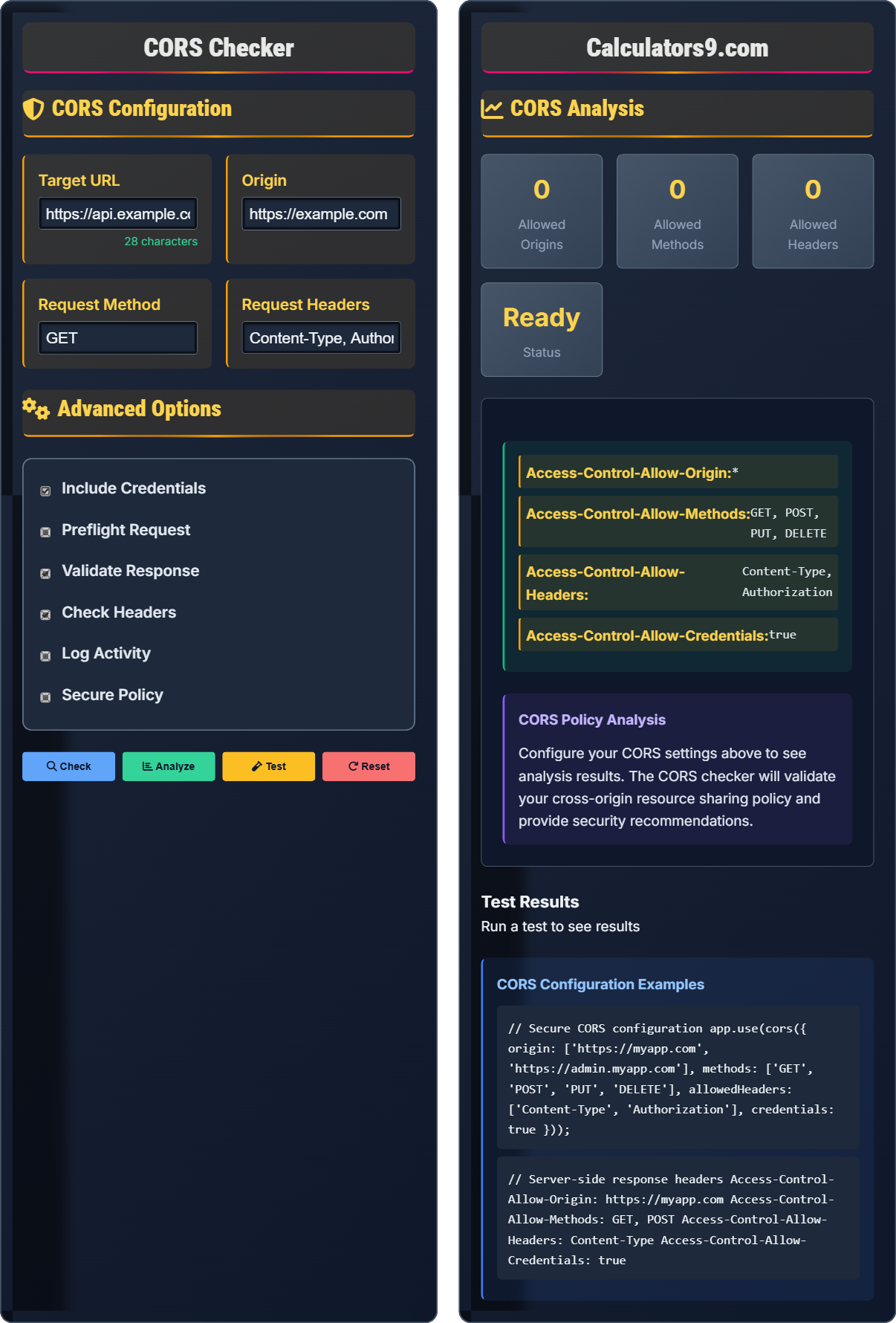
Check CORSAccess-Control-Allow-Origin: *
Access-Control-Allow-Methods: GET, POST, PUT, DELETE
Access-Control-Allow-Headers: Content-Type, Authorization
Access-Control-Allow-Credentials: true
Cross-Origin Resource Sharing (CORS) is a security feature that allows web browsers to make requests to different origins. It controls which resources can be accessed from other domains.
Best Practices:
- Specify exact origins instead of wildcard (*)
- Limit allowed methods to what's necessary
- Validate and sanitize request headers
- Use credentials cautiously
- Implement preflight caching
- Monitor CORS-related errors
Impact: Proper CORS configuration improves API security, prevents unauthorized cross-origin access, and enables secure API integration.
CORS Configuration
Advanced Options
CORS Analysis
Test Results
CORS Fundamentals
Cross-Origin Resource Sharing (CORS) is a security feature that allows web browsers to make requests to different origins. It controls which resources can be accessed from other domains.
Access-Control-Allow-Origin: Specifies which origins can access the resource
Access-Control-Allow-Methods: Lists HTTP methods allowed
Access-Control-Allow-Headers: Lists headers allowed in requests
Access-Control-Allow-Credentials: Allows credentials to be sent
These headers control cross-origin access to resources.
- Specify exact origins instead of wildcard
- Limit allowed methods to what's necessary
- Validate and sanitize request headers
- Use credentials cautiously
- Implement preflight caching
- Monitor CORS-related errors
Security Impact
Proper CORS configuration improves API security, prevents unauthorized cross-origin access, enables secure API integration, protects against cross-site request forgery, and maintains data integrity across domains.
- Overly permissive origins
- Unsafe methods allowed
- Unrestricted headers
- Credentials misconfiguration
- Preflight bypass attempts
- Origin spoofing
- Wildcard origins (*)
- Unsafe header access
- Missing preflight validation
- Insufficient error handling
CORS Security Learning Quiz
What is the primary purpose of CORS (Cross-Origin Resource Sharing)?
The answer is B) To control cross-origin access to resources. CORS is a security feature that allows web browsers to make requests to different origins. It controls which resources can be accessed from other domains, preventing unauthorized cross-origin access.
CORS solves the "same-origin policy" restriction by allowing controlled exceptions. Without CORS, web browsers would block requests to different domains for security reasons. CORS provides a secure way to allow cross-origin requests when appropriate.
CORS: Cross-Origin Resource Sharing
Same-Origin Policy: Browser security restriction
Cross-Origin: Different domain, protocol, or port
• Controls cross-origin access
• Browser security feature
• Server must allow origins
• Prevents unauthorized access
• Specify exact origins
• Limit allowed methods
• Validate headers
• Using wildcard origins
• Allowing unsafe methods
• Not validating requests
Which of the following CORS configurations is the most secure?
The answer is B) Access-Control-Allow-Origin: https://trusted.com. This configuration explicitly allows only the trusted domain to access the resource, providing the best security while allowing legitimate cross-origin access.
Wildcard origins (*) are the least secure as they allow any domain to access the resource. Specifying exact origins provides the best security by limiting access to only authorized domains. This follows the principle of least privilege.
Wildcard Origin: Allows any domain (*)
Exact Origin: Specific domain only
Least Privilege: Minimum access necessary
• Avoid wildcard origins
• Specify exact origins
• Validate origin requests
• Use HTTPS origins
• Use specific domains
• Validate during runtime
• Consider subdomains
• Using wildcard origins
• Not validating origins
• Trusting user input
When does a browser make a preflight request for a CORS request? What headers are required for the preflight response?
A browser makes a preflight request when the request is not "simple" - typically when:
- Using methods other than GET, POST, or HEAD
- Sending custom headers (other than simple headers)
- Using content types other than application/x-www-form-urlencoded, multipart/form-data, or text/plain
Required preflight response headers:
- Access-Control-Allow-Origin: Specifies allowed origins
- Access-Control-Allow-Methods: Lists allowed HTTP methods
- Access-Control-Allow-Headers: Lists allowed request headers
- Access-Control-Max-Age: Optional, specifies cache duration
Preflight requests are an extra security step where the browser first asks the server if the actual request is safe to make. This prevents potentially dangerous cross-origin requests from being made without server consent.
Preflight Request: Initial OPTIONS request
Simple Request: Doesn't require preflight
Complex Request: Requires preflight
• Preflight for complex requests
• Use OPTIONS method
• Cache for efficiency
• Cache preflight responses
• Use simple requests when possible
• Minimize preflight triggers
• Missing preflight headers
• Not handling OPTIONS
• Invalid response headers
When using Access-Control-Allow-Credentials: true, what additional requirement must be met for the Access-Control-Allow-Origin header?
When using Access-Control-Allow-Credentials: true, the Access-Control-Allow-Origin header cannot be set to a wildcard (*). It must specify an exact origin. This is a security requirement to prevent credential leakage to unauthorized origins.
Example of correct configuration:
Access-Control-Allow-Origin: https://trusted.com
Access-Control-Allow-Credentials: true
Example of incorrect configuration:
Access-Control-Allow-Origin: *
Access-Control-Allow-Credentials: true
This combination is forbidden by the CORS specification.
This restriction exists because allowing credentials with wildcard origins would enable malicious sites to make authenticated requests on behalf of users, potentially leading to session hijacking or other security breaches.
Credentials: Cookies, authorization headers
Security Requirement: Prevent credential leakage
Wildcard Restriction: Cannot combine with credentials
• No wildcard with credentials
• Exact origin required
• Security by design
• Prevents session hijacking
• Use specific origins
• Validate origin carefully
• Consider alternative solutions
• Using wildcard with credentials
• Not understanding restriction
• Incorrect header combinations
Which of the following headers is NOT a standard CORS response header?
The answer is C) Access-Control-Allow-Resources. This is not a standard CORS header. The standard CORS response headers are: Access-Control-Allow-Origin, Access-Control-Allow-Methods, Access-Control-Allow-Headers, Access-Control-Allow-Credentials, Access-Control-Expose-Headers, and Access-Control-Max-Age.
It's important to know the standard CORS headers to properly configure your server. Non-standard headers won't be recognized by browsers for CORS validation and won't provide the intended cross-origin access control.
Standard Headers: Official CORS specification
Non-Standard: Not recognized by browsers
Specification: W3C CORS standards
• Use standard headers only
• Follow W3C specification
• Non-standard ignored
• Validate header names
• Refer to official specs
• Use established libraries
• Test header names
• Using non-standard headers
• Typo in header names
• Creating custom headers
FAQ
Q: What's the difference between simple and complex CORS requests?
A: The difference between simple and complex CORS requests determines whether a preflight request is made:
Simple Requests:
- Uses GET, POST, or HEAD methods
- Only uses simple headers (Accept, Accept-Language, Content-Language, Content-Type with values application/x-www-form-urlencoded, multipart/form-data, or text/plain)
- No custom headers
- No preflight request needed
Complex Requests:
- Uses methods other than GET/POST/HEAD (PUT, DELETE, PATCH, etc.)
- Uses custom headers
- Uses content types other than the simple ones
- Requires preflight OPTIONS request
Complex requests require a preflight check to ensure the server allows the cross-origin request.
Q: How should I handle CORS in production environments?
A: Best practices for CORS in production:
Server-Side:
- Specify exact origins (never use wildcard *)
- Limit allowed methods to only what's necessary
- Validate and sanitize request headers
- Implement proper error handling
- Use HTTPS for all CORS-enabled endpoints
Security Measures:
- Don't allow credentials with wildcard origins
- Implement rate limiting for CORS requests
- Log CORS-related activity for monitoring
- Regularly audit CORS configurations
- Use CORS libraries with built-in security
Monitoring:
- Track CORS preflight requests
- Monitor blocked requests
- Alert on unusual CORS patterns
Remember to test thoroughly in staging before deploying to production.