Network Bandwidth Calculator
Fast Speed & Data Transfer Calculator • 2026 Edition
Bandwidth Formula:
Show the calculator\( \text{Transfer Time} = \frac{\text{File Size (bits)}}{\text{Bandwidth (bps)}} \)
Where:
- \( \text{File Size} \) = total data to transfer (converted to bits)
- \( \text{Bandwidth} \) = available network speed (converted to bits per second)
- \( \text{Transfer Time} \) = estimated time to complete transfer
This formula calculates the theoretical transfer time considering only bandwidth limitations. Actual times may vary due to network overhead, latency, and congestion.
Example: For a 1GB file (\( 1 \times 8 \times 1024^3 \) bits) transferred at 100 Mbps (\( 100 \times 10^6 \) bps):
Transfer time = \( \frac{8 \times 1024^3}{100 \times 10^6} \approx 85.9 \) seconds
Thus, the transfer would take approximately 85.9 seconds under ideal conditions.
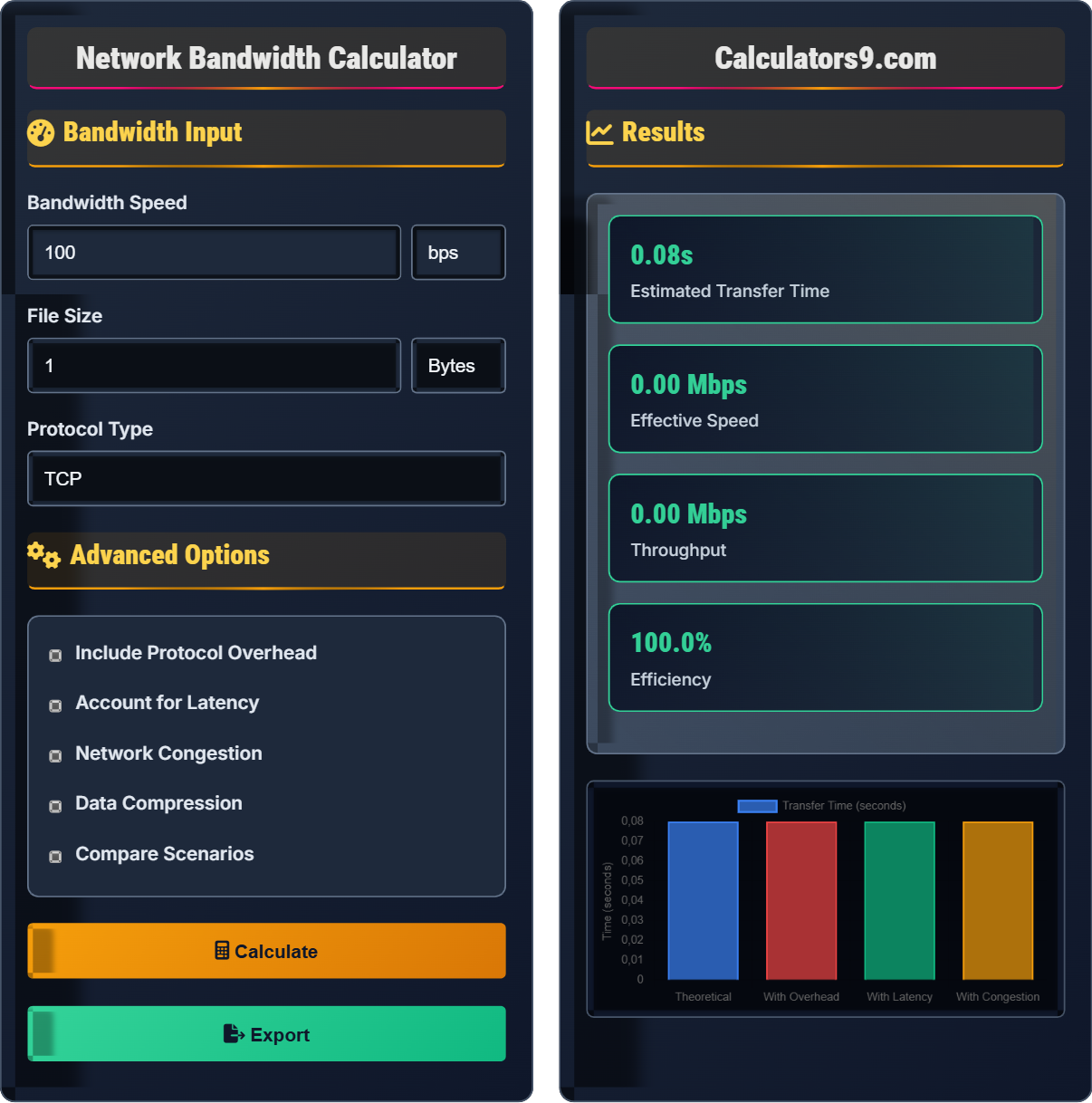
Bandwidth Input
Advanced Options
Results
| Factor | Time | Impact |
|---|---|---|
| Theoretical Transfer | 0s | Base calculation |
| Protocol Overhead | 0s | Added due to protocol headers |
| Network Latency | 0s | RTT delays |
| Congestion Factor | 0s | Reduced throughput |
| Unit | Size |
|---|
| Unit | Speed |
|---|
Comprehensive Bandwidth Guide
Bandwidth refers to the maximum data transfer rate of a network connection, measured in bits per second (bps). It represents the capacity of a communication channel to carry data. Higher bandwidth allows more data to be transmitted in a given time period, enabling faster downloads, uploads, and streaming.
The fundamental formula for calculating data transfer time is:
Where:
- Data Size is converted to bits (multiply by 8 for bytes)
- Bandwidth is in bits per second
- Time is in seconds
Actual network performance differs from theoretical bandwidth due to several factors:
- Protocol Overhead: Headers and metadata consume part of available bandwidth
- Network Latency: Delay between sending and receiving data affects throughput
- Packet Loss: Lost packets require retransmission, reducing effective speed
- Network Congestion: Multiple users competing for bandwidth
- Distance: Signal degradation over long distances
- Hardware Limitations: Router, switch, and cable quality
- Quality of Service (QoS): Prioritize critical traffic over less important data
- Data Compression: Reduce file sizes before transmission
- CDN Usage: Distribute content geographically to reduce latency
- Connection Multiplexing: Combine multiple connections for better utilization
- Protocol Optimization: Use efficient protocols like HTTP/2 or QUIC
- Regular Maintenance: Update firmware and monitor network health
Bandwidth Basics
Maximum data transfer rate of a network connection.
\( \text{Time} = \frac{\text{Data Size}}{\text{Bandwidth}} \)
Where data size is in bits and bandwidth is in bits per second.
- 1 byte = 8 bits
- Bandwidth ≠ speed (though related)
- Real-world performance is always lower
- Shared connections divide bandwidth
Optimization
Actual usable data rate after accounting for overhead.
- Reduce protocol overhead
- Minimize latency
- Use compression
- Optimize routing
- Peak vs sustained rates
- Upload vs download speeds
- Network topology
- Security overhead
Bandwidth Calculation Learning Quiz
How many megabytes (MB) are in 1 gigabit (Gb)?
The answer is A) 125 MB. To convert from gigabits to megabytes: 1 Gb = 1,000,000,000 bits. Divide by 8 to get bytes: 125,000,000 bytes. Divide by 1,000,000 to get MB: 125 MB. Remember that bits (lowercase b) and bytes (uppercase B) differ by a factor of 8.
This question tests understanding of the fundamental difference between bits and bytes. Network speeds are typically measured in bits per second (bps), while storage and file sizes are measured in bytes. This distinction is crucial for accurate bandwidth calculations. Always verify whether you're working with bits or bytes before performing calculations.
Bit: Binary digit, smallest unit of data (0 or 1)
Byte: 8 bits grouped together
Octet: Another term for 8-bit byte
• 1 Byte = 8 bits
• Network speeds use bits, storage uses bytes
• Always convert to consistent units before calculations
• Remember: network speeds are in bits, storage in bytes
• Use the mnemonic "b" for bits (network) and "B" for bytes (storage)
• Convert everything to bits or bytes before calculations
• Confusing bits and bytes leading to 8x errors
• Mixing binary and decimal prefixes (1024 vs 1000)
• Forgetting to convert units before calculations
Calculate the transfer time for a 2 GB file over a 10 Mbps connection. Show your work.
Step 1: Convert file size to bits
2 GB = 2 × 1024 × 1024 × 1024 bytes = 2,147,483,648 bytes
2,147,483,648 bytes × 8 bits/byte = 17,179,869,184 bits
Step 2: Convert bandwidth to bits per second
10 Mbps = 10 × 1,000,000 bps = 10,000,000 bps
Step 3: Calculate transfer time
Time = File Size / Bandwidth = 17,179,869,184 bits / 10,000,000 bps = 1,717.99 seconds
Step 4: Convert to minutes
1,717.99 seconds ÷ 60 = 28.63 minutes
The transfer would take approximately 28.63 minutes under ideal conditions.
This problem demonstrates the importance of unit conversions in bandwidth calculations. Always ensure that both file size and bandwidth are expressed in compatible units (both in bits) before dividing. The calculation shows that even at moderate speeds, large files can take considerable time to transfer.
Data Transfer Rate: Amount of data moved per unit time
Protocol Efficiency: Ratio of useful data to total data sent
Theoretical Maximum: Ideal performance without overhead
• Always convert file size to bits for calculations
• Convert bandwidth to bits per second
• Account for protocol overhead in real-world estimates
• Use scientific notation for large numbers
• Double-check unit conversions
• Remember that actual time will be longer than theoretical
• Forgetting to convert bytes to bits (missing the ×8 factor)
• Confusing decimal and binary prefixes
• Not accounting for protocol overhead in estimates
You need to transfer a 5 GB video file over a 50 Mbps connection. If the protocol overhead is 10% and network latency adds 2 seconds to the transfer, how long will the actual transfer take?
Step 1: Calculate theoretical transfer time
File size in bits: 5 GB × 1024³ × 8 = 42,949,672,960 bits
Bandwidth: 50 Mbps = 50,000,000 bps
Theoretical time: 42,949,672,960 / 50,000,000 = 859.0 seconds
Step 2: Account for 10% protocol overhead
Adjusted time: 859.0 × 1.10 = 944.9 seconds
Step 3: Add latency
Total time: 944.9 + 2 = 946.9 seconds
Convert to minutes: 946.9 ÷ 60 = 15.78 minutes
The actual transfer will take approximately 15.78 minutes.
This example shows how real-world factors significantly impact transfer times beyond the simple bandwidth calculation. Protocol overhead includes headers, error correction, and control information that consumes part of the available bandwidth. Network latency, especially for multiple small files, can add significant delays to transfers.
Protocol Overhead: Additional data required for communication protocols
Network Latency: Delay between sending and receiving data
Round Trip Time (RTT): Time for packet to travel to destination and back
• Real-world transfers always take longer than theoretical calculations
• Protocol overhead typically ranges from 5-15%
• Latency impact is more significant for small files
• Add 10-15% to theoretical time for protocol overhead
• Consider batching multiple small files to reduce latency impact
• Use compression for large text-based files
• Ignoring protocol overhead in estimates
• Underestimating latency impact on small transfers
• Not considering network congestion during peak hours
You're designing a system to transfer 1 TB of data daily. You have two options: (A) 100 Mbps connection with 5% overhead, or (B) 50 Mbps connection with 2% overhead and compression that reduces file size by 60%. Which option would complete the transfer faster?
Option A: 100 Mbps with 5% overhead
File size: 1 TB = 8,796,093,022,208 bits
Adjusted size: 8,796,093,022,208 × 1.05 = 9,235,897,673,318 bits
Time: 9,235,897,673,318 / 100,000,000 = 92,359 seconds ≈ 25.66 hours
Option B: 50 Mbps with 2% overhead and 60% compression
Compressed size: 1 TB × 0.40 = 0.4 TB
File size: 0.4 TB = 3,518,437,208,883 bits
Adjusted size: 3,518,437,208,883 × 1.02 = 3,588,805,953,061 bits
Time: 3,588,805,953,061 / 50,000,000 = 71,776 seconds ≈ 19.94 hours
Option B completes the transfer faster (19.94 hours vs 25.66 hours).
This problem demonstrates that sometimes a slower connection with optimization techniques can outperform a faster connection without optimization. Data compression can significantly reduce transfer times, especially for text-based or redundant data. The calculation shows that the 60% size reduction more than compensates for the 50% speed reduction.
Data Compression: Reducing file size before transmission
Bandwidth Optimization: Techniques to maximize effective throughput
Cost-Benefit Analysis: Evaluating efficiency vs resource usage
• Compression works best on text and uncompressed media
• Compression ratio varies by data type
• Processing overhead may offset compression benefits
• Use compression for text-based transfers
• Consider protocol efficiency when comparing options
• Evaluate total system performance, not just raw bandwidth
• Assuming higher bandwidth always means faster transfers
• Not accounting for compression ratios
• Ignoring processing overhead of compression/decompression
Which factor has the LEAST impact on actual network throughput compared to theoretical maximum?
The answer is B) Cable length. While cable length can cause signal degradation, its impact on throughput is typically minimal in properly designed networks. Modern cables and equipment are designed to maintain signal integrity over standard lengths. In contrast, protocol overhead, network congestion, and hardware limitations directly limit the amount of data that can be transmitted per unit time.
This question highlights the relative importance of different factors affecting network performance. While cable length matters in extreme cases (very long runs or poor quality cables), it's usually not the limiting factor in typical network deployments. The other factors have more direct and immediate impacts on throughput.
Throughput: Actual data transfer rate achieved
Theoretical Maximum: Ideal performance without constraints
Bottleneck: Component limiting overall system performance
• The slowest component determines overall throughput
• Multiple factors can simultaneously limit performance
• Regular monitoring helps identify bottlenecks
• Use network analyzers to identify bottlenecks
• Upgrade the slowest component first for maximum impact
• Consider all components in the data path
• Focusing on cable length instead of more impactful factors
• Upgrading high-speed components while bottleneck exists elsewhere
• Not measuring actual vs theoretical performance
FAQ
Q: Why does my actual transfer speed never reach the theoretical maximum?
A: Several factors prevent reaching theoretical maximum speeds:
Protocol Overhead: TCP/IP headers, Ethernet frames, and other protocol data consume part of available bandwidth. This typically reduces effective throughput by 5-15%.
Network Latency: The round-trip time (RTT) affects how quickly acknowledgments are received, limiting how fast data can be sent.
TCP Window Scaling: The TCP congestion control algorithm limits how much data can be in flight at once, especially on high-latency connections.
Hardware Bottlenecks: Routers, switches, and network interface cards may not support full line rate.
Application Limitations: The application may not be optimized for maximum throughput.
For example, on a 1 Gbps connection, you might achieve 800-900 Mbps under optimal conditions, but only 100-300 Mbps in typical scenarios with mixed traffic.
Q: How do I calculate bandwidth requirements for API calls?
A: Calculating bandwidth for API calls involves several steps:
Per-Call Bandwidth: Measure the average request and response sizes. For example, if a request is 1 KB and response is 5 KB, that's 6 KB per call.
Call Frequency: Determine requests per second (RPS). If you expect 100 RPS, that's 100 × 6 KB = 600 KB/s = 4.8 Mbps.
Peak Loads: Account for traffic spikes. If peak is 3x normal, plan for 14.4 Mbps.
Protocol Overhead: Add 10-15% for TCP/IP overhead.
Redundancy: Plan for additional capacity for reliability.
Formula: \( \text{Required Bandwidth} = \text{Avg Request Size} + \text{Avg Response Size} \times \text{Expected RPS} \times 1.15 \times \text{Peak Factor} \)
For high-frequency APIs, consider connection pooling and HTTP/2 multiplexing to reduce overhead.