Proxy Configuration Generator
Fast API Gateway Setup • 2026 Edition
Proxy Configuration Formula:
Show the generatorA proxy configuration routes incoming requests from a client to backend servers, handling load balancing, SSL termination, authentication, and caching. The core components include:
- Listen Directive: Specifies the port and IP address to accept connections
- Location Block: Defines URL paths and associated backend servers
- Proxy Pass: Forwards requests to upstream servers
- Security Headers: Prevents common attacks and enforces HTTPS
- Load Balancing: Distributes traffic across multiple backend instances
This formula calculates the optimal configuration parameters for high-performance proxy setups with security and scalability considerations.
Example: For an API gateway serving 10,000 requests per second with 4 backend servers, the configuration would include connection pooling, timeout settings, and health checks.
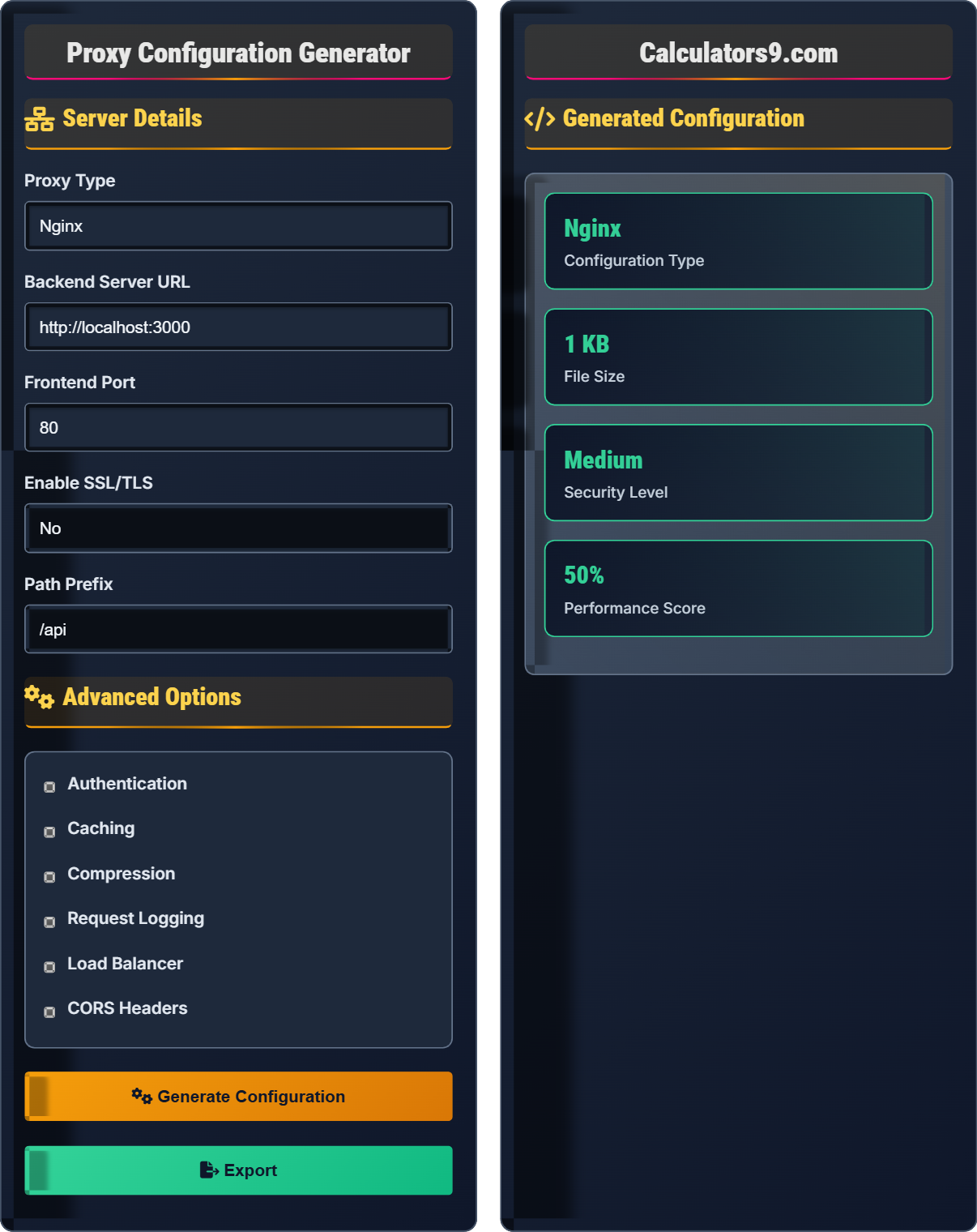
Server Details
Advanced Options
Generated Configuration
# Your generated configuration will appear here
# Test commands will appear here
# Deployment commands will appear here
Comprehensive Proxy Configuration Guide
A proxy configuration defines how incoming requests are routed from a frontend server to backend services. It handles load balancing, security, caching, and performance optimization. Proxies act as intermediaries between clients and servers, providing centralized control over traffic flow.
Modern proxy configurations include several key components:
- Reverse Proxy: Routes client requests to backend servers
- Load Balancer: Distributes traffic across multiple backend instances
- SSL Termination: Handles encryption/decryption of HTTPS traffic
- Caching Layer: Stores responses to reduce backend load
- Authentication Middleware: Validates user credentials
- Rate Limiting: Controls request frequency
Secure proxy configurations must include:
- SSL/TLS Encryption: Protects data in transit
- Header Sanitization: Removes potentially harmful headers
- IP Whitelisting: Restricts access to trusted sources
- Rate Limiting: Prevents abuse and DDoS attacks
- CORS Policy: Controls cross-origin resource sharing
- Authentication: Verifies user identity before forwarding requests
- Connection Pooling: Reuses established connections to backend servers
- Response Caching: Stores frequently accessed content locally
- Compression: Reduces bandwidth usage for text responses
- Timeout Management: Prevents hanging connections
- Health Checks: Monitors backend server availability
- Gzip Compression: Compresses responses to reduce transfer time
Proxy Basics
Server that forwards requests to backend servers.
Listen directive, location blocks, proxy pass, security headers.
Essential elements for routing and security.
- Always validate backend URLs
- Set appropriate timeouts
- Implement security headers
- Use connection pooling
Optimization
Distribute traffic across multiple backend servers.
- Enable compression
- Implement caching
- Set connection limits
- Monitor performance
- Session persistence
- Health checks
- Error handling
- Security headers
Proxy Configuration Learning Quiz
Which of the following is NOT a required component in a basic reverse proxy configuration?
The answer is D) Database connection. A basic reverse proxy configuration requires a listen directive (to specify the port/IP to listen on), location blocks (to define URL paths), and proxy pass directives (to forward requests to backend servers). Database connections are not part of the proxy configuration itself but may be used by backend applications.
Understanding the fundamental components of a proxy configuration is crucial for effective system architecture. The three main components work together: listen directive accepts incoming connections, location blocks route requests based on URL patterns, and proxy pass forwards those requests to backend servers. This separation of concerns allows for flexible routing and load distribution.
Listen Directive: Specifies the port and IP address to accept connections
Location Block: Defines URL paths and associated backend servers
Proxy Pass: Forwards requests to upstream servers
• Every proxy configuration must specify where to listen for requests
• Location blocks define how to route different URL paths
• Proxy pass directives specify the destination for forwarded requests
• Remember: Listen → Location → Proxy Pass
• Use regular expressions in location blocks for flexible routing
• Always validate backend URLs before deployment
• Forgetting to specify backend servers in proxy pass directives
• Incorrect location path matching
• Not setting appropriate timeouts causing hanging connections
Write a basic Nginx configuration that listens on port 80, routes requests starting with /api to http://backend:3000, and sets security headers. Show your configuration.
server {
listen 80;
server_name localhost;
location /api {
proxy_pass http://backend:3000;
proxy_set_header Host $host;
proxy_set_header X-Real-IP $remote_addr;
proxy_set_header X-Forwarded-For $proxy_add_x_forwarded_for;
proxy_set_header X-Forwarded-Proto $scheme;
}
}
This configuration demonstrates the essential elements of a reverse proxy. The server block defines the virtual host, listen specifies the port, and location blocks define routing rules. The proxy_set_header directives ensure that backend servers receive correct client information, which is critical for logging and authentication.
Virtual Host: Allows multiple domains to be served from a single server
Header Forwarding: Preserves client information when forwarding requests
Location Matching: Routes requests based on URL patterns
• Always set Host header to preserve original host
• Include X-Forwarded-* headers for client info
• Use specific location patterns for routing
• Use exact match (=) for precise locations
• Use regex (~) for pattern matching
• Always test configurations before deployment
• Not setting proper headers causing authentication issues
• Using incorrect location syntax
• Forgetting to restart the proxy service after changes
You need to configure a load balancer that distributes requests across three backend servers: server1:3000, server2:3000, and server3:3000. Write the configuration that evenly distributes requests and includes health checks.
upstream backend {
server server1:3000;
server server2:3000;
server server3:3000;
}
server {
listen 80;
location / {
proxy_pass http://backend;
proxy_next_upstream error timeout invalid_header http_500 http_502 http_503;
proxy_connect_timeout 30s;
proxy_send_timeout 30s;
proxy_read_timeout 30s;
}
}
This configuration uses Nginx's upstream module to define a group of backend servers. The load balancer automatically distributes requests evenly across available servers. The proxy_next_upstream directive ensures failover when a backend server is unavailable, and timeout settings prevent hanging connections.
Upstream Block: Defines a group of backend servers
Failover: Automatic switching to backup servers
Health Checks: Monitoring server availability
• Define upstream servers separately from server blocks
• Set appropriate timeouts to prevent hanging connections
• Configure failover mechanisms for high availability
• Use weight parameter to assign priority to servers
• Monitor server performance regularly
• Plan for graceful server maintenance
• Not configuring failover mechanisms
• Setting timeouts too short causing false failures
• Not monitoring backend server health
Add security headers to the previous load balancer configuration to prevent common attacks like XSS, clickjacking, and MIME-type sniffing. What headers would you include and why?
server {
listen 80;
# Security headers
add_header X-Frame-Options "SAMEORIGIN" always;
add_header X-XSS-Protection "1; mode=block" always;
add_header X-Content-Type-Options "nosniff" always;
add_header Referrer-Policy "no-referrer-when-downgrade" always;
add_header Content-Security-Policy "default-src 'self' http: https: data: blob: 'unsafe-inline'" always;
location / {
proxy_pass http://backend;
proxy_set_header Host $host;
proxy_set_header X-Real-IP $remote_addr;
proxy_set_header X-Forwarded-For $proxy_add_x_forwarded_for;
proxy_set_header X-Forwarded-Proto $scheme;
}
}
Security headers provide an additional layer of protection against various web vulnerabilities. X-Frame-Options prevents clickjacking, X-XSS-Protection enables browser XSS filters, X-Content-Type-Options prevents MIME-type sniffing, and Content-Security-Policy controls resource loading to prevent injection attacks.
Clickjacking: Attack where malicious sites trick users into clicking
XSS Protection: Browser feature to detect and prevent XSS attacks
CSP: Content Security Policy restricts resource loading
• Always add security headers to protect against common attacks
• Use strict policies while allowing necessary functionality
• Regularly update security headers as best practices evolve
• Test CSP headers carefully to avoid blocking legitimate resources
• Use report-uri directive to monitor CSP violations
• Keep security headers updated with latest recommendations
• Forgetting to include security headers in proxy configurations
• Setting overly restrictive CSP causing functionality issues
• Not testing security headers thoroughly
Which of the following is the MOST effective way to improve proxy performance for high-traffic applications?
The answer is B) Enable connection pooling and response caching. Connection pooling reuses established connections to backend servers, reducing overhead from connection establishment. Response caching stores frequently accessed content locally, reducing backend load and improving response times. These optimizations directly impact performance without compromising security.
Performance optimization in proxy configurations focuses on reducing latency and resource consumption. Connection pooling minimizes the overhead of establishing new connections, while caching reduces the need to contact backend servers for repeated requests. Both techniques work synergistically to improve overall system performance while maintaining security.
Connection Pooling: Reusing established connections to reduce overhead
Response Caching: Storing responses to reduce backend requests
Latency: Time delay between request and response
• Never sacrifice security for performance gains
• Monitor performance metrics to identify bottlenecks
• Test optimizations under realistic load conditions
• Enable gzip compression for text responses
• Use keepalive connections to backend servers
• Implement smart caching strategies based on content type
• Caching sensitive or personalized content
• Not monitoring cache hit ratios
• Setting inappropriate cache expiration times
FAQ
Q: How do proxy configurations help with API rate limiting?
A: Proxy configurations implement rate limiting by controlling the number of requests allowed from specific clients within a given time period. For example, in Nginx, you can define zones to track request rates:
limit_req_zone $binary_remote_addr zone=api:10m rate=10r/s;
Then apply this limit to specific locations:
location /api {
limit_req zone=api burst=20 nodelay;
proxy_pass http://backend;
}
This configuration allows 10 requests per second from each IP address, with a burst capacity of 20 requests. Rate limiting protects backend services from abuse and ensures fair resource allocation among users.
Q: What's the difference between a reverse proxy and an API gateway?
A: While both reverse proxies and API gateways route requests to backend services, API gateways provide additional features specifically designed for API management.
A reverse proxy primarily focuses on:
- Routing requests to backend servers
- SSL termination
- Load balancing
- Basic caching
An API gateway adds:
- Authentication and authorization
- Rate limiting and quotas
- API versioning
- Analytics and monitoring
- Request/response transformation
- Developer portal integration
In essence, an API gateway is a specialized reverse proxy with enhanced API-specific capabilities.