Webhook Simulator
API tool • 2026 standards
Webhook Structure:
Send WebhookMethod: POST
URL: https://api.example.com/webhook
Headers: Content-Type: application/json
Payload: { "event": "user.created", "data": { ... } }
Webhooks are HTTP callbacks that allow applications to send real-time notifications when specific events occur. They're essential for API integrations, automations, and real-time data synchronization.
Best Practices:
- Use HTTPS endpoints for security
- Implement proper authentication and verification
- Handle retries for failed deliveries
- Validate incoming webhook payloads
- Log webhook activity for debugging
- Implement timeout and error handling
Impact: Proper webhook implementation improves API integration, enables real-time notifications, and enhances application interoperability.
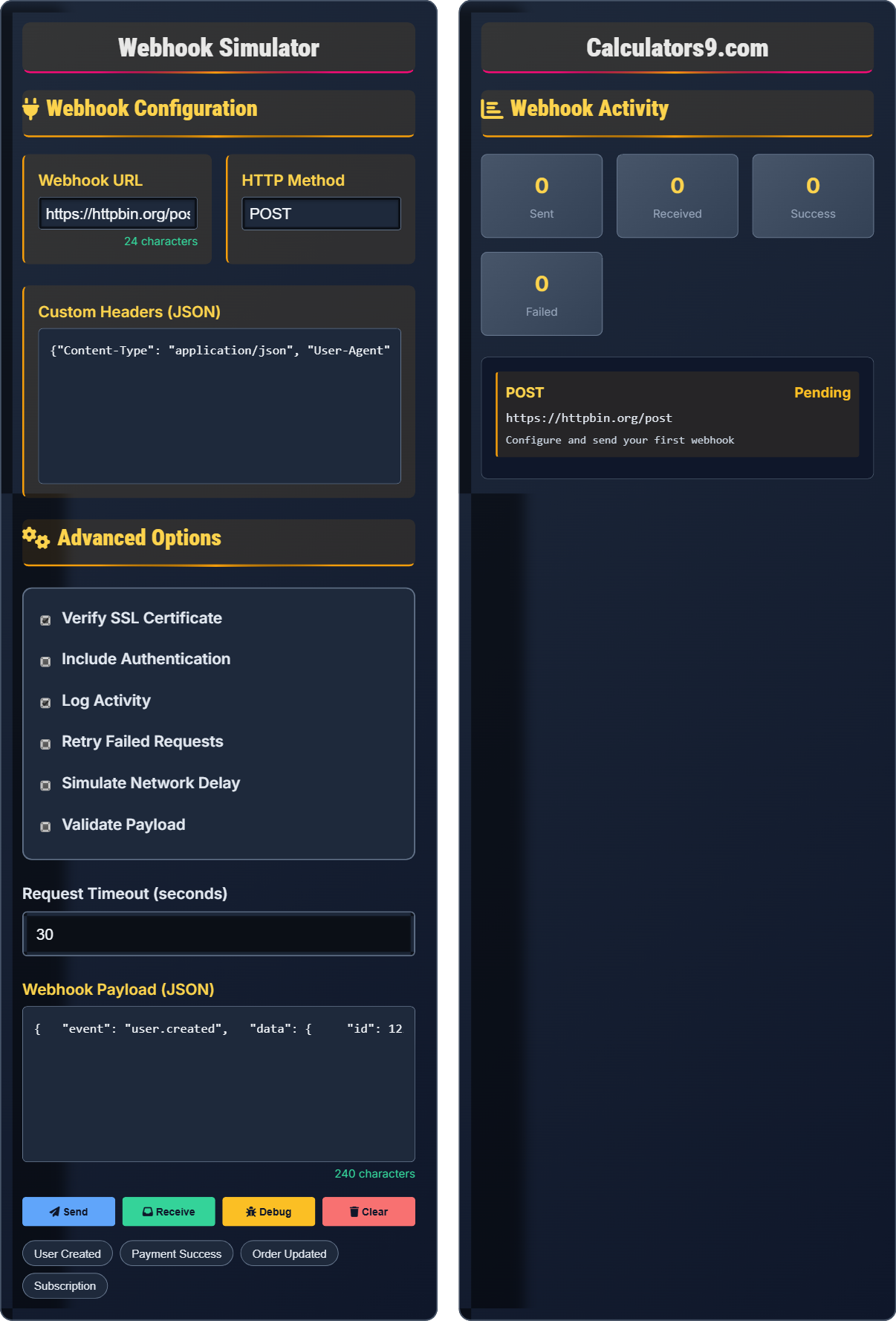
Webhook Configuration
Advanced Options
Webhook Activity
Webhook Fundamentals
Webhooks are user-defined HTTP callbacks that are triggered by specific events. When the event occurs, the source site makes an HTTP request to the URL configured for the webhook.
URL: The endpoint that receives the webhook
Method: Typically POST, but can be other methods
Headers: Metadata sent with the request
Payload: The data sent in the request body
Signature: Authentication token for verification
These components work together to deliver event notifications.
- Use HTTPS endpoints for security
- Implement proper authentication
- Validate incoming payloads
- Handle retries for failures
- Log webhook activity
- Implement timeout handling
API Integration Impact
Proper webhook implementation improves API integration, enables real-time notifications, enhances application interoperability, reduces polling overhead, and provides event-driven architecture capabilities.
- User registration events
- Payment processing notifications
- Order status updates
- Subscription changes
- File upload completions
- Chat message notifications
- Delivery failures
- Authentication problems
- Security vulnerabilities
- Missing error handling
Webhook Integration Learning Quiz
What is a webhook?
The answer is B) An HTTP callback triggered by events. Webhooks are user-defined HTTP callbacks that are triggered by specific events. When the event occurs, the source site makes an HTTP request to the URL configured for the webhook.
Webhooks enable real-time communication between applications. Instead of constantly polling for updates, applications can receive immediate notifications when specific events occur, making systems more efficient and responsive.
Webhook: HTTP callback triggered by events
Callback: Function executed in response to event
Event-Driven: System responds to events
• Callbacks triggered by events
• HTTP requests to configured URLs
• Enable real-time communication
• Reduce polling overhead
• Use HTTPS endpoints
• Implement authentication
• Handle retries
• Confusing with polling
• Not securing endpoints
• Missing error handling
Which of the following is the most important security consideration for webhooks?
The answer is B) Using HTTPS endpoints. HTTPS encryption ensures that webhook payloads are transmitted securely, preventing interception and tampering of sensitive data.
Webhook security is crucial since they often carry sensitive data. HTTPS encrypts data in transit, while authentication mechanisms verify the sender's identity. Together, they provide comprehensive security for webhook communications.
HTTPS: Secure HTTP with encryption
Authentication: Verifying sender identity
Integrity: Ensuring data hasn't been tampered
• Always use HTTPS
• Implement authentication
• Validate payloads
• Log activity securely
• Use webhook signatures
• Validate request origin
• Encrypt sensitive data
• Using HTTP endpoints
• Not verifying signatures
• Storing secrets in plain text
A webhook receiver returns a 500 error to the sender. What should the sender do in response to ensure reliable delivery?
The sender should implement a retry mechanism with exponential backoff. When receiving a 500 error (server error), the sender should:
- Attempt to resend the webhook after a delay
- Use exponential backoff (increase delay between retries)
- Limit the number of retry attempts
- Log the failure for monitoring
This approach handles temporary server issues while avoiding overwhelming the receiver with rapid retries.
Reliable webhook delivery requires robust error handling. 5xx errors indicate server-side issues that are often temporary. Implementing retry logic with exponential backoff helps ensure delivery while respecting the receiver's resources.
Exponential Backoff: Increasing delay between retries
Retry Mechanism: Automatic resending on failureReliability: Consistent delivery despite failures
• Retry on 5xx errors
• Don't retry on 4xx errors
• Use exponential backoff
• Limit retry attempts
• Start with short delays
• Increase delays exponentially
• Use jitter for randomness
• Not implementing retries
• Retrying too frequently
• Not limiting retry attempts
When receiving a webhook, what validation steps should you perform before processing the payload?
Before processing a webhook payload, you should validate:
- Authentication: Verify the request signature to confirm it's from the expected source
- Content-Type: Ensure the request has the expected content type
- Structure: Validate the payload structure matches expected format
- Integrity: Check that required fields are present
- Replay Attacks: Check for duplicate requests using IDs or timestamps
These validations help prevent malicious requests and ensure data integrity.
Webhook validation is crucial for security. Since webhooks can come from anywhere, proper validation ensures you're processing legitimate requests from authorized sources. This prevents injection attacks and maintains system integrity.
Signature Verification: Confirming request authenticity
Content-Type: Format of the request body
Integrity: Data hasn't been tampered
• Always verify signatures
• Validate payload structure
• Check required fields
• Prevent replay attacks
• Use webhook libraries
• Implement rate limiting
• Log validation failures
• Not validating signatures
• Processing unvalidated data
• Missing rate limiting
Which HTTP header is commonly used to identify the type of event in a webhook?
The answer is D) All of the above. Different services use different header names to identify the event type, including X-Event-Type, X-Webhook-Event, X-Event-Name, and others. The specific header name depends on the webhook provider.
Webhook providers use various header names to identify event types. Common examples include GitHub's X-GitHub-Event, Stripe's X-Stripe-Event, and Slack's X-Slack-Event. The specific header name is provider-dependent.
Event Header: Identifies the webhook event type
Provider-Specific: Varies by service
Metadata: Information about the request
• Check provider documentation
• Handle multiple event types
• Validate event types
• Log event metadata
• Document expected headers
• Use middleware for validation
• Support multiple providers
• Assuming standard header names
• Not checking event types
• Hardcoding provider-specific headers
FAQ
Q: How do I verify webhook authenticity?
A: Verify webhook authenticity using these methods:
1. Signature Verification: Most services provide a signature in the request header. Calculate the signature using the same method and compare:
hash_hmac('sha256', $payload, $secret)
2. IP Whitelisting: Restrict requests to known IPs (not foolproof but adds security)
3. OAuth/Bearer Tokens: Include authentication tokens in headers
4. Timestamp Validation: Check for reasonable request timing
5. Request Origin: Validate the requesting server's identity
Always verify signatures before processing webhook data to prevent unauthorized access.
Q: What are the best practices for webhook delivery reliability?
A: Best practices for webhook delivery reliability:
Sender Side:
- Implement exponential backoff for retries
- Set reasonable timeouts (30-60 seconds)
- Limit retry attempts (3-5 max)
- Log all webhook attempts and responses
- Use connection pooling for efficiency
Receiver Side:
- Respond quickly (under 10 seconds)
- Return appropriate HTTP status codes
- Implement rate limiting
- Use queues for processing
- Validate signatures immediately
Consider using webhook management services for production environments.