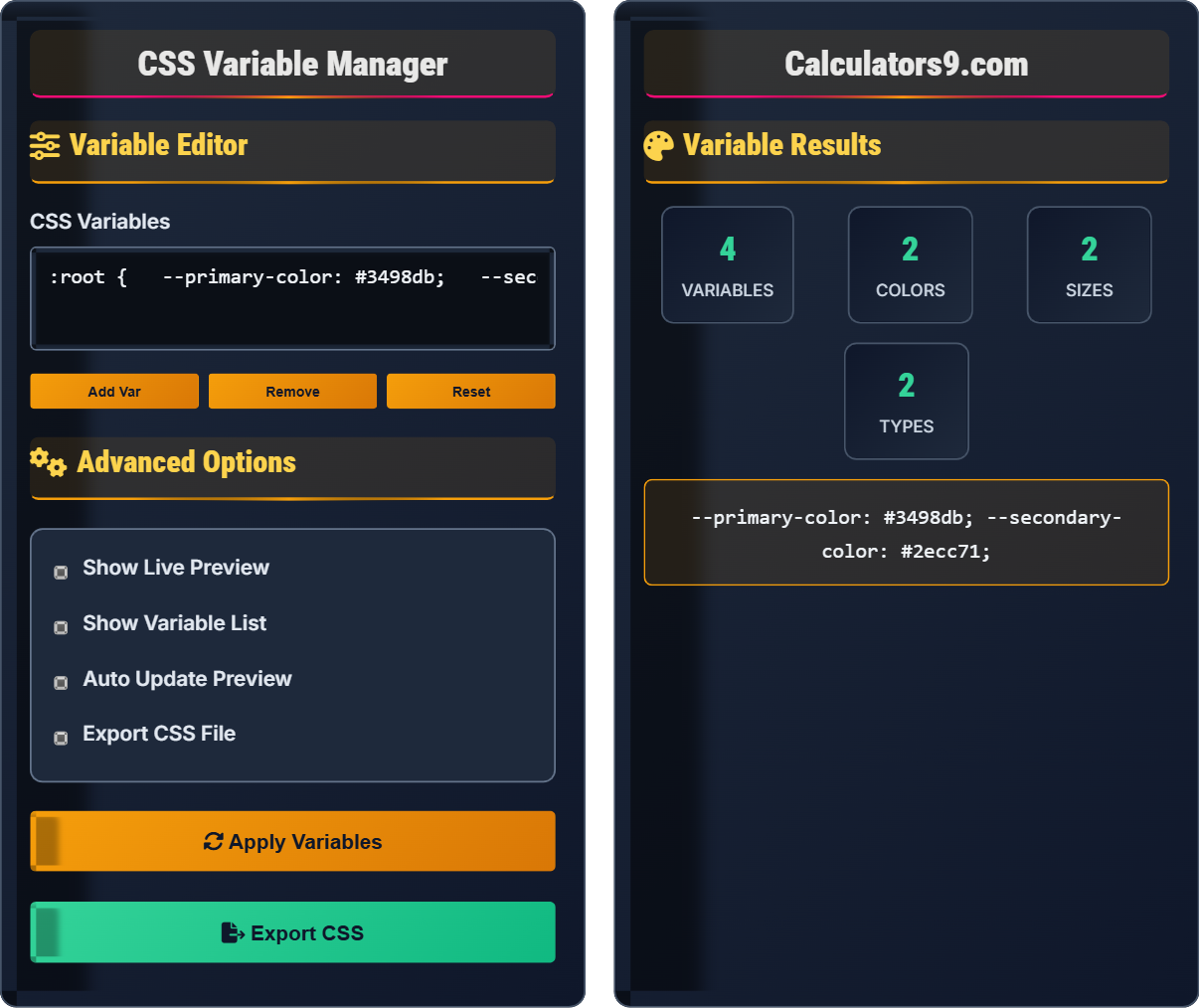
:variables
Custom properties editor • 2026 design tools
\( --variable-name: value; \)
\( var(--variable-name, fallback-value) \)
Where:
CSS custom properties (variables) allow for dynamic, reusable values throughout a stylesheet. They can be modified at runtime using JavaScript.
Example: Defining and using a color variable:
\( :root \{ --primary-color: #3498db; \} \)
\( .button \{ background-color: var(--primary-color); \} \)
This creates a reusable variable that can be changed globally.
CSS custom properties (commonly known as CSS variables) are entities defined by CSS authors that contain specific values to be reused throughout a document. They are set using custom property notation (e.g., --main-color: black;) and accessed using the var() function (e.g., color: var(--main-color);).
The fundamental syntax for CSS variables includes:
Where:
CSS variables are most beneficial in these scenarios:
Variables are declared with --prefix and used with var() function.
\( --name: value; \) and \( property: var(--name, fallback); \)
Where name=variable identifier, value=assigned value, fallback=default value.
CSS variables enable dynamic theme switching without reloading pages.
How do you properly declare and use a CSS variable?
The answer is B) --variable: value; and var(--variable). CSS custom properties (variables) are declared with a double dash prefix (--), and accessed using the var() function. This is the standard CSS syntax that works in all modern browsers.
It's important to distinguish CSS variables from other preprocessing syntaxes. SCSS uses $, LESS uses @, but pure CSS variables use the -- prefix. The var() function is used to retrieve the value of a custom property. Understanding this syntax is fundamental to using CSS variables effectively.
CSS Variables: Custom properties in CSS
Custom Properties: User-defined CSS values
var() Function: Retrieves variable values
• Must start with double dash (--)
• Accessed with var() function
• Case-sensitive naming
• Use semantic names for clarity
• Include fallback values when needed
• Organize variables logically
• Using incorrect syntax from preprocessors
• Forgetting the double dash prefix
• Not understanding scope rules
Where should you define CSS variables to make them available throughout an entire document?
CSS variables should be defined in the :root pseudo-class selector to make them globally available throughout the entire document. The :root selector matches the root element of the document (typically the element), making the variables accessible to all elements in the DOM.
Example:
CSS variables follow the same scoping rules as other CSS properties. They cascade down the DOM tree, so defining them at the root level ensures maximum availability. Variables defined on specific elements are only available to that element and its descendants.
:root Selector: Matches the document root element
Global Scope: Available to all elements
Cascading: Properties flow down the DOM tree
• :root provides document-wide scope
• Variables cascade down the DOM
• Define globals in :root
• Use specific selectors for local vars
• Leverage inheritance for efficiency
• Not using :root for global variables
• Defining variables in wrong scope
• Confusing with JavaScript variables
A web developer wants to create a theme system with light and dark modes using CSS variables. They need to define variables for background color, text color, and accent color. Design a CSS structure that allows switching between themes by changing a class on the body element.
Here's a CSS structure for a theme system:
To switch themes: document.body.classList.toggle('dark-theme');
This approach leverages CSS variable overriding. When the .dark-theme class is applied to an element (like the body), it redefines the same variable names with different values. Since CSS variables cascade, all child elements will use the new values. This creates an efficient theme switching mechanism without duplicating styles.
Theme Override: Redefining variables in a new scope
Class Toggle: Switching states with JavaScript
Variable Cascade: Variables flow down DOM tree
• Same variable names in different scopes
• Variables override in child scopes
• Cascade follows DOM hierarchy
• Use semantic variable names
• Group related variables
• Test both themes thoroughly
• Not defining variables in both themes
• Forgetting to use variables in styles
• Not testing accessibility
A designer wants to create a component that changes its color based on a data attribute. They have a card component that should display different accent colors based on its type (primary, secondary, success, warning). Show how to implement this using CSS variables and JavaScript.
HTML Structure:
CSS Implementation:
JavaScript for dynamic updates:
This technique uses attribute selectors to conditionally set CSS variables. The [data-type="primary"] selector creates a local scope where --card-accent is set to the appropriate color. This allows for dynamic styling based on data attributes without writing separate CSS for each variation. The CSS variable can then be used in any property of the targeted element.
Data Attributes: Custom HTML attributes
Attribute Selectors: Target elements by attributes
Conditional Variables: Variables set based on conditions
• Use attribute selectors for dynamic values
• Set variables in conditional scopes
• Leverage CSS variable inheritance
• Use data attributes for state
• Combine with utility classes
• Consider performance implications
• Not leveraging attribute selectors
• Writing repetitive CSS rules
• Ignoring performance considerations
Which of the following represents the best practice for organizing CSS variables?
The answer is B) Use semantic names like --primary-color, --spacing-md. Semantic naming makes variables self-documenting and easier to maintain. It describes the purpose rather than the specific value, making the code more resilient to design changes. For example, if the primary color changes from blue to green, the variable name still accurately describes its purpose.
Good variable naming follows the principle of semantic naming, where the name describes the purpose rather than the specific value. This approach makes the code more maintainable and easier to understand. It also supports design system thinking where components can be restyled without changing variable names throughout the codebase.
Semantic Naming: Names that describe purpose
Design System: Consistent design approach
Maintainability: Ease of future modifications
• Use descriptive, purpose-based names
• Group related variables logically
• Follow consistent naming conventions
• Prefix related groups (e.g., --color-primary)
• Use consistent naming patterns
• Document variable purposes
• Using value-based names that become outdated
• Not organizing variables logically
• Inconsistent naming conventions
Q: What's the difference between CSS variables and preprocessor variables (Sass/Less)?
A: The key differences are:
Example: --color: red; can be changed dynamically, while $color: red; becomes static CSS after compilation.
Mathematically: CSS variables allow runtime calculations: var(--size) * 2 (conceptual), while preprocessor variables calculate at build time: $size * 2.
Q: How can I use CSS variables for responsive design?
A: CSS variables can be updated in media queries:
All elements using var(--font-size) will automatically update when the breakpoint is reached, creating a responsive system.