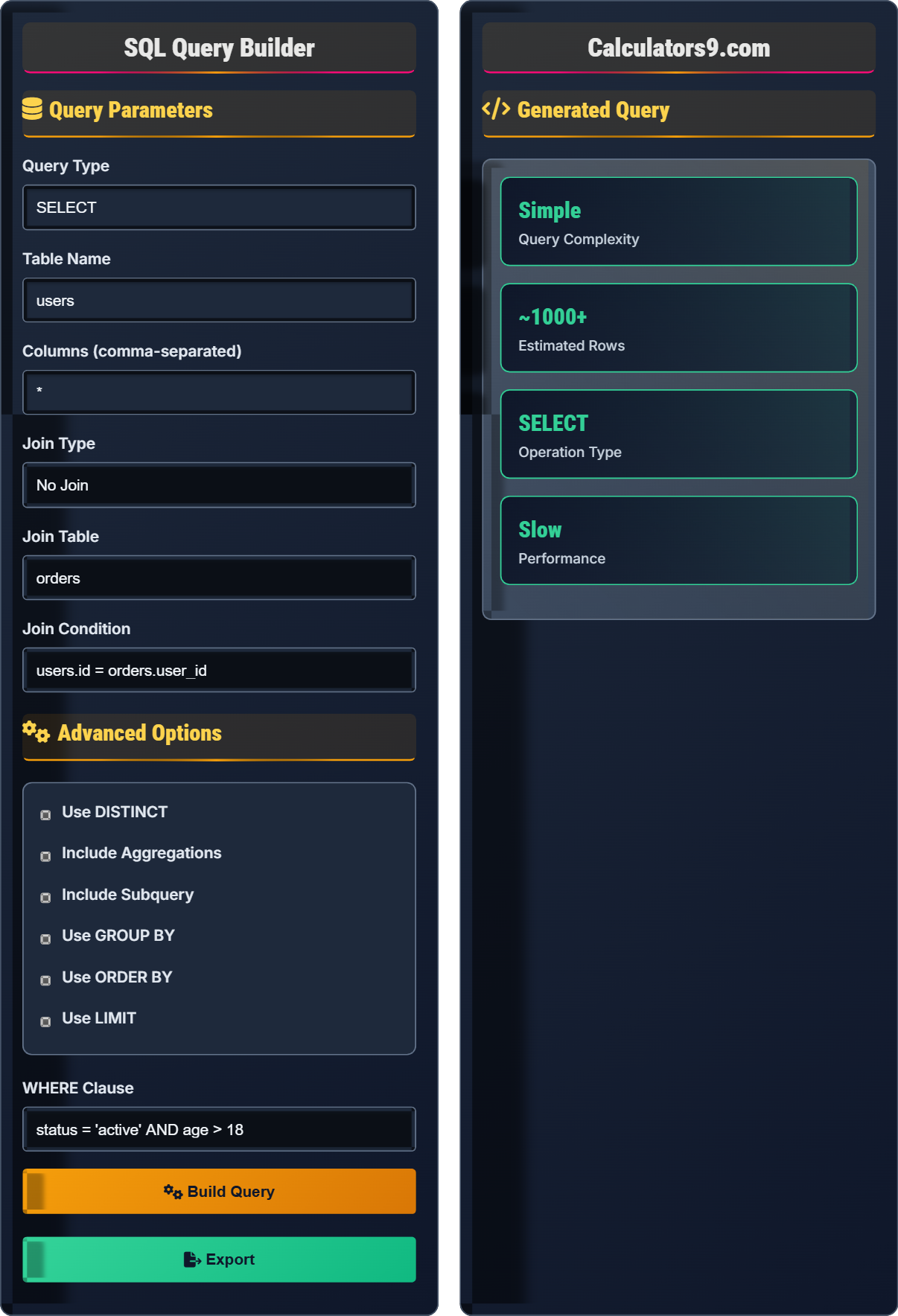
SQL Query Builder
Fast Database Query Generator • 2026 Edition
SQL Query Construction Formula:
Show the builder\( \text{SELECT} \ [DISTINCT]\ \text{columns}\ \text{FROM}\ \text{tables}\ [\text{JOIN}\ \text{conditions}]\ [\text{WHERE}\ \text{filters}]\ [\text{GROUP BY}\ \text{columns}]\ [\text{HAVING}\ \text{conditions}]\ [\text{ORDER BY}\ \text{columns}]\ [\text{LIMIT}\ \text{rows}] \)
Where:
- \( \text{columns} \) = fields to retrieve
- \( \text{tables} \) = source data tables
- \( \text{JOIN} \) = relationships between tables
- \( \text{WHERE} \) = row-level filtering conditions
- \( \text{GROUP BY} \) = aggregate grouping columns
- \( \text{HAVING} \) = aggregate-level filtering
- \( \text{ORDER BY} \) = sorting criteria
- \( \text{LIMIT} \) = result count restriction
This formula represents the logical structure of a SQL SELECT statement, defining how data is retrieved, filtered, grouped, and sorted from database tables.
Example: For a query retrieving customer orders with totals:
SELECT c.name, COUNT(o.id) AS order_count, SUM(o.amount) AS total FROM customers c JOIN orders o ON c.id = o.customer_id WHERE o.date > '2023-01-01' GROUP BY c.name ORDER BY total DESC
This query joins two tables, applies row-level filtering, groups results by customer, and sorts by total amount.
Query Parameters
Advanced Options
Generated Query
-- Your generated SQL query will appear here
-- Execution plan will appear here
-- Optimization suggestions will appear here
Comprehensive SQL Query Guide
SQL (Structured Query Language) is a standardized programming language used for managing and manipulating relational databases. SQL queries allow users to perform operations like retrieving data (SELECT), inserting new records (INSERT), updating existing records (UPDATE), and deleting records (DELETE). Queries follow a specific syntax that defines how data is accessed and manipulated.
The fundamental structure of a SQL SELECT query follows this order:
Where:
- SELECT specifies which columns to retrieve
- FROM defines the source table(s)
- JOIN connects related tables
- WHERE filters individual rows
- GROUP BY aggregates data by common values
- HAVING filters aggregated results
- ORDER BY sorts the results
- LIMIT restricts the number of returned rows
JOIN operations connect related data from multiple tables:
- INNER JOIN: Returns only matching records from both tables
- LEFT JOIN: Returns all records from the left table, plus matching records from the right
- RIGHT JOIN: Returns all records from the right table, plus matching records from the left
- FULL OUTER JOIN: Returns all records from both tables
- CROSS JOIN: Returns Cartesian product of both tables
- Indexing: Create indexes on frequently queried columns
- Limit Results: Use LIMIT or TOP to restrict result sets
- Avoid SELECT *: Specify only needed columns
- Efficient Joins: Use appropriate join types and conditions
- Subquery Alternatives: Consider EXISTS or JOIN instead of IN
- Parameterized Queries: Prevent SQL injection and improve performance
SQL Basics
Structured command to retrieve or manipulate database data.
SELECT, FROM, WHERE, ORDER BY clauses in specific order.
Essential elements for data retrieval.
- Follow clause order strictly
- Use semicolons to terminate
- Case-insensitive keywords
- Column names are case-sensitive
Optimization
Techniques to improve query execution speed.
- Create appropriate indexes
- Limit result sets
- Avoid wildcards unnecessarily
- Use EXISTS instead of IN
- Index maintenance overhead
- Query complexity vs performance
- Database size and usage patterns
- Hardware constraints
SQL Query Learning Quiz
Which of the following represents the correct order of SQL clauses in a SELECT statement?
The answer is A) SELECT, FROM, WHERE, GROUP BY, HAVING, ORDER BY. This is the standard order of SQL clauses in a SELECT statement. The SELECT clause specifies what to retrieve, FROM defines the source, WHERE filters individual rows, GROUP BY aggregates data, HAVING filters aggregated results, and ORDER BY sorts the final output.
This question tests knowledge of SQL syntax, which is fundamental to writing correct queries. The order of clauses matters because each clause operates on the result set produced by the previous clause. Understanding this sequence helps developers write syntactically correct queries and avoid common errors.
Clause: A specific part of a SQL statement with a particular function
Filter: A condition that restricts which rows are included
Aggregate: A function that operates on a group of rows
• Clauses must appear in the correct order in SQL
• Each clause operates on the result of the previous clause
• Some clauses are optional but follow this sequence when present
• Remember: Select From Where Group Having Order
• Use acronyms to remember the order
• Practice with simple queries first
• Placing WHERE after GROUP BY instead of before
• Using HAVING without GROUP BY
• Confusing the order of clauses
Write a SQL query to retrieve the top 5 highest-paid employees from the 'employees' table, showing their name and salary, ordered by salary in descending order.
SELECT name, salary FROM employees ORDER BY salary DESC LIMIT 5;
This query selects the name and salary columns from the employees table, sorts the results by salary in descending order (highest first), and limits the output to the top 5 records.
This query demonstrates the use of ORDER BY and LIMIT clauses. The ORDER BY clause sorts the result set by the specified column (salary) in descending order (DESC), while LIMIT restricts the number of returned rows. This combination is commonly used for ranking or pagination purposes.
Descending Order: Sorting from highest to lowest value
Limit Clause: Restricts the number of rows returned
Ranking: Ordering data by a specific criterion
• ORDER BY must come before LIMIT in the query
• DESC specifies descending order
• LIMIT is database-specific (some use TOP)
• Use ASC for ascending (default) order
• LIMIT is MySQL/PostgreSQL; use TOP in SQL Server
• Always specify the order when using LIMIT for consistent results
• Forgetting to use DESC for highest-to-lowest order
• Placing LIMIT before ORDER BY
• Not specifying the column to sort by
You have two tables: 'customers' (customer_id, name, email) and 'orders' (order_id, customer_id, amount). Write a query to find all customers who have placed orders, showing their name and total order amount.
SELECT c.name, SUM(o.amount) AS total_amount FROM customers c INNER JOIN orders o ON c.customer_id = o.customer_id GROUP BY c.name;
This query uses an INNER JOIN to connect the customers and orders tables through the customer_id field. It then groups the results by customer name and calculates the total order amount for each customer using the SUM function.
This problem demonstrates the use of JOIN operations and aggregate functions. The INNER JOIN ensures only customers with matching orders are included. The GROUP BY clause groups records by customer name, and SUM aggregates the order amounts for each group. The AS keyword creates an alias for the calculated column.
INNER JOIN: Returns only records with matches in both tables
Aggregate Function: Performs a calculation on a set of values
Alias: An alternative name for a column or table
• Always specify the join condition (ON clause)
• When using GROUP BY, non-aggregate columns must be in GROUP BY
• Aggregate functions operate on groups of rows
• Use table aliases (c, o) to simplify queries
• Always include GROUP BY when using aggregate functions
• Test joins with sample data to verify logic
• Forgetting to specify the join condition
• Omitting GROUP BY when using aggregate functions
• Including non-aggregate columns in SELECT without GROUP BY
Write a query to find all employees whose salary is greater than the average salary of all employees. Show their name and salary.
SELECT name, salary FROM employees WHERE salary > (SELECT AVG(salary) FROM employees);
This query uses a subquery to calculate the average salary of all employees. The outer query then compares each employee's salary to this average and returns only those with above-average salaries.
This example demonstrates the use of subqueries, which are queries nested inside another query. The subquery (SELECT AVG(salary) FROM employees) calculates the average salary first, and then the outer query compares each employee's salary to this value. Subqueries can be used in WHERE, FROM, and SELECT clauses.
Subquery: A query nested inside another query
Correlated Subquery: A subquery that references columns from the outer query
Scalar Subquery: A subquery that returns a single value
• Subqueries must be enclosed in parentheses
• Scalar subqueries return exactly one value
• Subqueries execute before the outer query
• Use subqueries when you need to compare against calculated values
• Consider performance implications of complex subqueries
• Test subqueries independently before integrating
• Forgetting to enclose subqueries in parentheses
• Using subqueries that return multiple values where one is expected
• Creating correlated subqueries that cause performance issues
Which of the following is the BEST practice for optimizing a query that frequently searches by a specific column?
The answer is B) Create an index on the search column. Indexes are data structures that improve the speed of data retrieval operations on database tables. When a column is frequently used in WHERE clauses or JOIN conditions, creating an index on that column dramatically improves query performance.
This question highlights one of the most important database optimization techniques. Indexes work similarly to book indexes, allowing the database engine to quickly locate specific rows without scanning the entire table. However, indexes also have maintenance costs, so they should be created judiciously on columns that are frequently searched.
Index: A data structure that improves query performance
Query Optimization: Techniques to improve execution speed
Performance Cost: Trade-off between read and write performance
• Indexes improve read performance but slow writes
• Only index frequently searched columns
• Too many indexes can hurt overall performance
• Analyze query patterns before creating indexes
• Use composite indexes for multi-column searches
• Monitor index usage and remove unused ones
• Creating indexes on rarely-searched columns
• Adding too many indexes to a table
• Not considering the write performance impact
FAQ
Q: What's the difference between WHERE and HAVING clauses?
A: The key difference lies in when they operate in the query execution:
WHERE: Filters individual rows before any grouping occurs. Applied first to the base table data.
HAVING: Filters groups after the GROUP BY operation. Used with aggregate functions.
Execution Order: FROM → WHERE → GROUP BY → HAVING → SELECT → ORDER BY
Example:
SELECT department, AVG(salary) FROM employees WHERE hire_date > '2020-01-01' GROUP BY department HAVING AVG(salary) > 50000;
This query first filters employees hired after 2020, then groups by department, and finally only shows departments with average salary above $50,000.
Q: How do I safely handle user input in SQL queries?
A: To prevent SQL injection attacks, always use parameterized queries or prepared statements:
Instead of string concatenation:
// DON'T DO THIS
String query = "SELECT * FROM users WHERE username = '" + userInput + "'";
Use parameters:
// JDBC Example
PreparedStatement pstmt = conn.prepareStatement("SELECT * FROM users WHERE username = ?");
pstmt.setString(1, userInput);
// Node.js Example
const result = await db.query('SELECT * FROM users WHERE username = $1', [userInput]);
Additional Safety Measures:
- Validate and sanitize input on both client and server
- Use stored procedures when possible
- Implement least-privilege database accounts
- Escape special characters if parameterization isn't possible
Never trust user input in SQL queries!