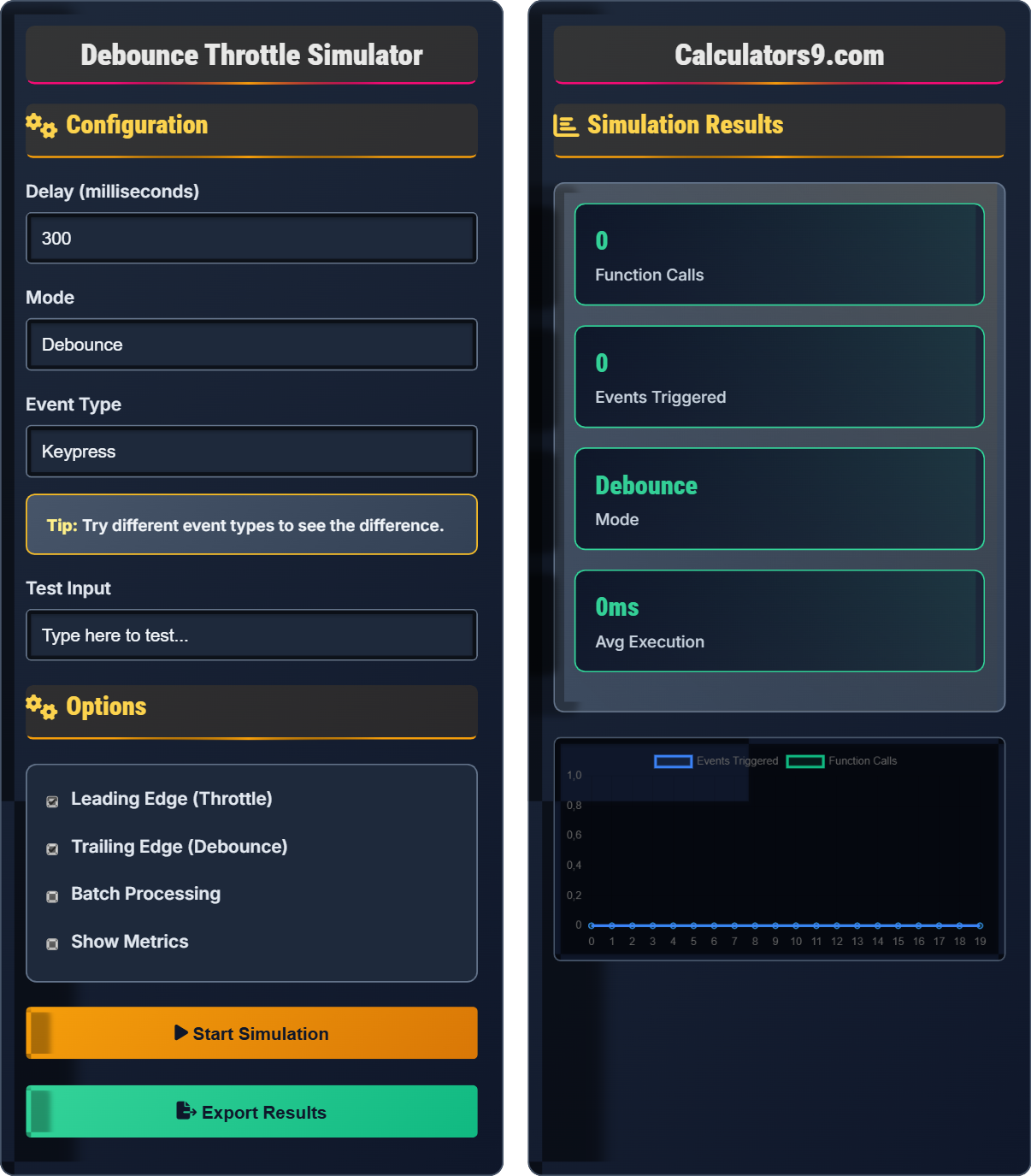
Debounce Throttle Simulator
JavaScript performance tool • 2026 standards
Configuration
Options
Simulation Results
| Time | Event | Call | Mode | Delay |
|---|
| Mode | Events | Calls | Reduction | Performance |
|---|
Comprehensive Debounce & Throttle Guide
Debouncing is a technique used to limit the rate at which a function gets executed. It ensures that a function is not called again until a certain amount of time has passed without it being called. This is particularly useful for events that fire frequently, like scroll, resize, or keypress events.
Throttling is a technique that limits the execution of a function to once every specified interval. Unlike debouncing, which waits for a pause in events, throttling executes the function at regular intervals regardless of how frequently the event fires. This ensures consistent performance but may execute less frequently than desired.
Debounce: Execute function after delay since last call
Throttle: Execute function at most once per interval
Both techniques significantly improve application performance:
- Reduced Function Calls: Dramatically fewer executions
- Better Responsiveness: Smoother UI interactions
- Lower Resource Usage: Reduced CPU and memory consumption
- Improved User Experience: More predictable behavior
- API Efficiency: Fewer unnecessary server requests
- Choose Right Technique: Debounce for completion, throttle for regular intervals
- Set Appropriate Delays: 300ms for search, 16ms for animations
- Consider Leading/Trailing: Whether to execute at start or end of interval
- Cancel When Needed: Clear timeouts when component unmounts
- Test Performance: Monitor actual performance improvements
Debounce Throttle Learning Quiz
What is the main difference between debouncing and throttling?
The answer is A) Debounce waits for events to stop, throttle executes at intervals. Debouncing waits for a pause in events before executing, while throttling executes the function at regular intervals regardless of how frequently the event fires. This fundamental difference determines when to use each technique.
Understanding the core difference between these techniques is crucial for proper implementation. Debouncing is ideal when you want to wait for user action to complete (like search queries), while throttling is better for continuous actions that need regular updates (like scroll handlers). The timing of execution is the key differentiator.
Debouncing: Delaying function execution until after events stop firing
Throttling: Limiting function execution to once per time interval
Event Firing: When an event handler is triggered
• Debounce: Wait for pause before executing
• Throttle: Execute at regular intervals
• Both reduce function call frequency
• Use debounce for search inputs
• Use throttle for scroll/resize handlers
• Consider leading/trailing edge options
• Confusing the two techniques
• Using wrong technique for use case
• Not clearing timeouts properly
Explain why debouncing is preferred over throttling for search input fields and suggest an appropriate delay duration.
Why Debounce: Search queries should only be sent after the user finishes typing, not continuously while typing. Debouncing ensures the API call happens once after the user stops typing.
Appropriate Delay: 300-500ms is typical. This allows users to finish typing a word before sending the request. Too short (100ms) might still send queries while typing, too long (1000ms) creates noticeable delays.
Benefits: Reduces unnecessary API calls, saves bandwidth, and improves server performance while maintaining good user experience.
This example demonstrates the practical application of debouncing. The goal is to balance user experience (responsive feedback) with performance (avoiding excessive API calls). A 300-500ms delay typically feels responsive to users while significantly reducing the number of API requests compared to immediate execution.
API Call: Request to a server endpoint
Bandwidth: Network capacity for data transfer
User Experience: How users interact with the application
• Search: Use debounce with 300-500ms delay
• Continuous actions: Use throttle
• Match technique to user intent
• Show loading indicator during debounce
• Cancel previous requests when new ones start
• Adjust delay based on API response time
• Using throttle for search inputs
• Setting delay too short or too long
• Not canceling previous requests
A web application has a scroll handler that updates the UI based on scroll position. Without optimization, this causes severe performance issues with 60fps scrolling. Calculate the performance improvement when throttling the scroll handler to execute once every 16ms (60fps equivalent) if the original scroll handler was being called 240 times per second.
Step 1: Original calls per second = 240
Step 2: Throttled calls per second = 1000ms ÷ 16ms = 62.5 calls/second
Step 3: Reduction = 240 - 62.5 = 177.5 fewer calls per second
Step 4: Percentage reduction = (177.5 ÷ 240) × 100% = 73.96%
Step 5: Performance improvement = 74% fewer function calls
Therefore, throttling reduces function calls by approximately 74%, dramatically improving performance.
This example shows the dramatic impact of throttling on performance. Scroll events can fire hundreds of times per second, overwhelming the browser's rendering engine. By limiting execution to 60fps (16ms intervals), we match the screen refresh rate and eliminate unnecessary computations while maintaining smooth visual updates.
FPS: Frames Per Second (refresh rate)
Rendering Engine: Browser component that paints UI
Performance Bottleneck: Component limiting overall speed
• Match throttling to display refresh rate (16ms for 60fps)
• Use 16ms for 60fps, 10ms for 100fps
• Consider Intersection Observer for visibility
• Use CSS transforms for smoother animations
• Not optimizing scroll handlers
• Using too frequent throttling intervals
• Blocking main thread with heavy computations
An application needs to make API calls to a service with a rate limit of 10 requests per minute. The user interface could potentially trigger 100 requests per minute during normal usage. Design an appropriate throttling strategy to stay within rate limits while providing acceptable user experience.
Rate Limit Analysis:
• 10 requests per minute = 10/60 = 0.167 requests per second
• Interval between requests = 1/0.167 = 6 seconds
Throttling Strategy:
• Use throttle with 6000ms (6 second) interval
• Implement queue system for excess requests
• Provide user feedback when requests are queued
Alternative Approach:
• Use debounce with 5000ms delay to batch requests
• Send single request with multiple parameters
• Cache responses to reduce redundant calls
This example demonstrates how debouncing and throttling help manage external constraints like API rate limits. The key is calculating the appropriate interval based on the rate limit. In some cases, batching requests (debouncing) might be more effective than spreading them out (throttling), depending on the use case and user expectations.
Rate Limit: Maximum requests allowed in a time period
Queue System: Buffer for pending requests
Batch Requests: Combining multiple operations
• Calculate interval based on rate limit
• Consider user experience impact
• Implement fallback strategies
• Monitor API usage patterns
• Implement exponential backoff
• Use server-side queuing when possible
• Not accounting for rate limits in design
• Using inappropriate intervals
• Not handling rate limit errors
In throttling, what is the difference between leading edge and trailing edge execution?
The answer is A) Leading executes at interval start, trailing at interval end. In throttling, leading edge means the function executes immediately when the first event occurs, then waits for the interval before allowing another execution. Trailing edge means the function executes after the interval has passed since the first event.
Understanding leading vs trailing edge is important for controlling when throttled functions execute. Leading edge provides immediate response but may cause jarring behavior. Trailing edge provides delayed response but ensures consistency. Some implementations allow both, executing at both the beginning and end of the interval.
Leading Edge: Execute function at the start of the interval
Trailing Edge: Execute function at the end of the interval
Interval: Time period for throttling
• Leading: Execute immediately at interval start
• Trailing: Execute after interval passes
• Both can be used together
• Use leading for immediate UI feedback
• Use trailing for final state updates
• Consider both for best user experience
• Confusing leading/trailing edge concepts
• Not understanding execution timing
• Applying to wrong function types
Debounce Throttle Basics
Wait for events to stop before executing function.
Execute function at regular intervals regardless of events.
Limit to once per specified time period.
- Debounce: Wait for pause
- Throttle: Execute at intervals
- Both reduce function calls
Best Practices
Debounce for completion, throttle for continuous actions.
- Choose appropriate delay (300ms for search)
- Consider leading/trailing edge
- Clear timeouts when needed
- Monitor performance impact
- User experience impact
- Performance metrics
- Resource constraints
- Error handling
FAQ
Q: When should I use debounce vs throttle?
A: Use debounce when you want to wait for user to finish (search, form validation). Use throttle when you need regular updates (scroll, resize, game loops).
Q: What's the ideal delay?
A: 300ms for search, 16ms for 60fps animations, 100ms for general UI. Match to user perception and performance needs.