HTML Entity Converter
JavaScript text encoder • 2026 standards
< → <, > → >, & → &
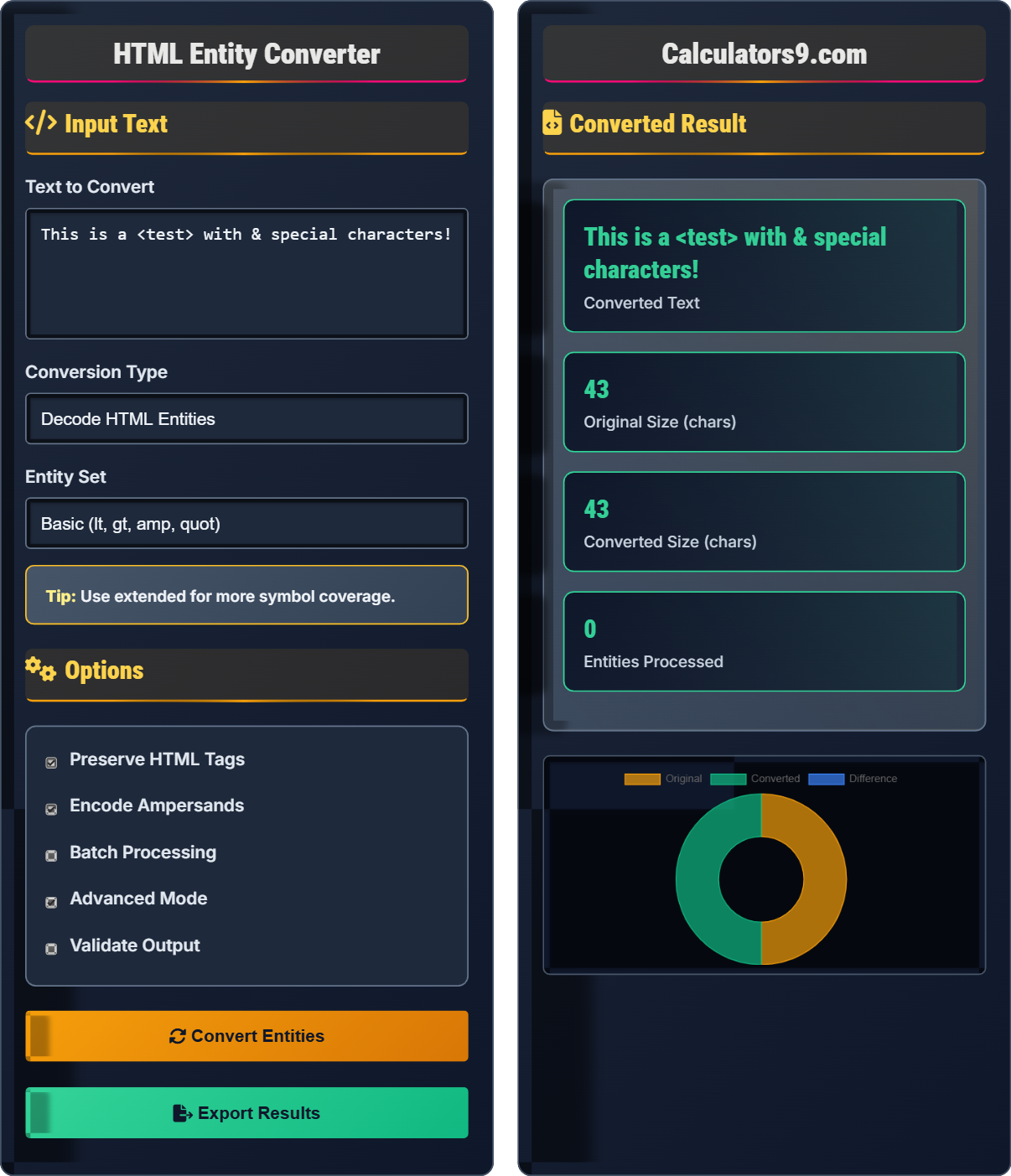
Input Text
Options
Converted Result
| Original | Entity | Type | Code | Position |
|---|
| Metric | Before | After | Change | Significance |
|---|
Comprehensive HTML Entity Guide
HTML entities are special codes used to represent characters that have special meaning in HTML or are not present on a standard keyboard. They are essential for displaying reserved characters like < and > in web pages, and for representing special symbols like ©, ®, and €. Entities consist of an ampersand (&), followed by a name or number, and ending with a semicolon (;).
The entity conversion process follows this algorithm:
Where:
- Input Text: Source text to process
- Parse Characters: Identify special characters
- Match Entities: Find entity patterns
- Replace/Reverse: Encode or decode as needed
HTML entities are used in various scenarios:
- Reserved Characters: Preventing HTML parsing issues
- Special Symbols: Displaying characters not on keyboard
- International Text: Representing non-ASCII characters
- Accessibility: Providing character descriptions
- SEO: Ensuring proper character rendering
- Security: Always encode user input to prevent XSS
- Consistency: Use same entity format throughout
- Validation: Verify entities are properly terminated
- Performance: Use efficient parsing algorithms
- Compatibility: Ensure broad browser support
HTML Entity Learning Quiz
What is the primary purpose of HTML entities?
The answer is B) To represent special characters safely. HTML entities allow special characters to be displayed in web pages without being interpreted as HTML code. This prevents parsing errors and security issues like XSS attacks.
HTML entities serve as a translation layer between human-readable characters and machine-parsable code. They solve the fundamental problem that HTML uses certain characters (like <, >, &) for markup, so these characters cannot appear as literal text without causing parsing errors.
HTML Entity: Special code for characters with meaning in HTML
XSS: Cross-site scripting security vulnerability
Markup: HTML structure tags
• Always encode user input before displaying
• Use named entities for readability
• Use numeric entities for special symbols
• Validate entities before processing
• Not encoding user input
• Using incorrect entity formats
• Forgetting to terminate entities
Explain why HTML entity encoding is important for security and provide an example of how it prevents attacks.
Security Importance: HTML entity encoding prevents cross-site scripting (XSS) attacks by converting special characters into safe representations that browsers won't interpret as executable code.
Example: Without encoding, user input like <script>alert('XSS')</script> would execute as JavaScript. With encoding, it becomes <script>alert('XSS')</script> which displays as harmless text.
This demonstrates the critical role of HTML entities in security. The conversion process neutralizes potentially dangerous characters by replacing them with safe equivalents, making user-generated content safe to display on web pages.
XSS: Cross-site scripting attack vector
Neutralization: Making potentially harmful content safe
User Input: Data provided by site visitors
• Never trust user input
• Always encode before output
• Use proper escaping functions
• Encode on output, not input
• Use frameworks' built-in escaping
• Test with malicious inputs
• Not encoding user-generated content
• Assuming all input is safe
• Encoding at wrong stage
A web application receives user input containing special characters like &, <, >, and ". If the application doesn't properly encode these characters before displaying them in HTML, what problems could occur? How would you fix this?
Problems:
1. HTML Parsing Issues: Characters like < and > could be interpreted as tag delimiters
2. Security Vulnerabilities: Ampersands could be part of malicious scripts
3. Malformed Markup: Quotes could break attribute values
Fix: Implement proper HTML entity encoding for all user-generated content before rendering. Use functions that convert special characters to their entity equivalents (e.g., & → &, < → <).
This scenario highlights the importance of output encoding in web applications. The key principle is that data from untrusted sources (like user input) must be treated as potentially dangerous and properly encoded before being rendered in HTML.
Output Encoding: Converting special characters for safe display
Untrusted Sources: External data that could be malicious
HTML Parsing: How browsers interpret HTML markup
• Encode all untrusted data before output
• Use context-appropriate encoding
• Don't rely on input validation alone
• Use established libraries for encoding
• Implement at template level
• Test with special characters
• Only encoding some special characters
• Not understanding context-specific encoding
• Assuming sanitization is sufficient
A high-traffic website processes thousands of HTML entity conversions per second. What performance optimization techniques would you recommend to efficiently handle this volume?
Performance Techniques:
1. Precompiled Regex: Use optimized regular expressions for entity detection
2. Lookup Tables: Precompute entity mappings for O(1) lookups
3. Streaming Processing: Process content in chunks instead of loading entirely
4. Caching: Cache frequently converted content
5. Asynchronous Processing: Use background threads for heavy conversion tasks
This demonstrates how algorithmic efficiency becomes critical at scale. The conversion process can be optimized by using data structures that provide faster lookups and by processing content in a more efficient manner. Understanding time complexity is essential for performance-critical applications.
Time Complexity: Efficiency of an algorithm
Lookup Table: Precomputed data for fast retrieval
Streaming: Processing data in chunks
• Optimize for the most common cases
• Profile performance regularly
• Consider trade-offs between speed and safety
• Use efficient string operations
• Consider Web Workers for heavy processing
• Implement lazy loading for large content
• Not considering performance at scale
• Using inefficient string concatenation
• Not profiling actual usage patterns
Which of the following correctly represents the character "&" as an HTML entity?
The answer is C) Both A and B are correct. The ampersand character can be represented as either & (numeric entity) or & (named entity). Both will render as & in HTML output.
HTML entities come in two forms: named entities (like <) and numeric entities (like <). Named entities are more readable but numeric entities can represent any Unicode character. Understanding both forms is important for comprehensive entity handling.
Named Entity: Entity with a defined name
Numeric Entity: Entity with decimal/hexadecimal number
Unicode: Universal character encoding standard
• Both named and numeric entities are valid
• Numeric entities support all Unicode characters
• Named entities are limited to predefined set
• Use named entities for readability
• Use numeric entities for special characters
• Hexadecimal format: &#xNN;
• Assuming only one form is valid
• Not understanding numeric entity format
• Forgetting semicolon terminator
Entity Basics
Special codes representing reserved or special characters.
Parse → Identify → Replace → Validate
Ensures safe character representation.
- Always encode user input
- Preserve semantic meaning
- Validate before processing
Best Practices
Use entity encoding to prevent XSS attacks.
- Choose appropriate entity set
- Validate input/output
- Preserve important formatting
- Test with malicious inputs
- Performance impact
- Character preservation
- Browser compatibility
- Validation requirements
FAQ
Q: Why do I need to encode special characters?
A: Special characters like < and > have meaning in HTML. Encoding prevents them from being interpreted as markup, which could break your page or create security vulnerabilities.
Q: Named vs numeric entities?
A: Named: < (more readable). Numeric: < (covers all Unicode). Named entities are limited to predefined set.