Canonical URL Checker
SEO audit tool • 2026 standards
Canonical Tag Standards:
Analyze URLs<link rel="canonical" href="https://example.com/page" />
Canonical tags are HTML elements that specify the preferred version of a webpage to prevent duplicate content issues. They help search engines understand which URL should be indexed when multiple versions exist.
Best Practices:
- Use absolute URLs (including protocol and domain)
- Point to the most authoritative version of content
- Self-referential on unique pages
- Consistent across different URL variations
- Valid HTML syntax
Impact: Proper canonical implementation consolidates link equity, improves crawl efficiency, and prevents dilution of search rankings.
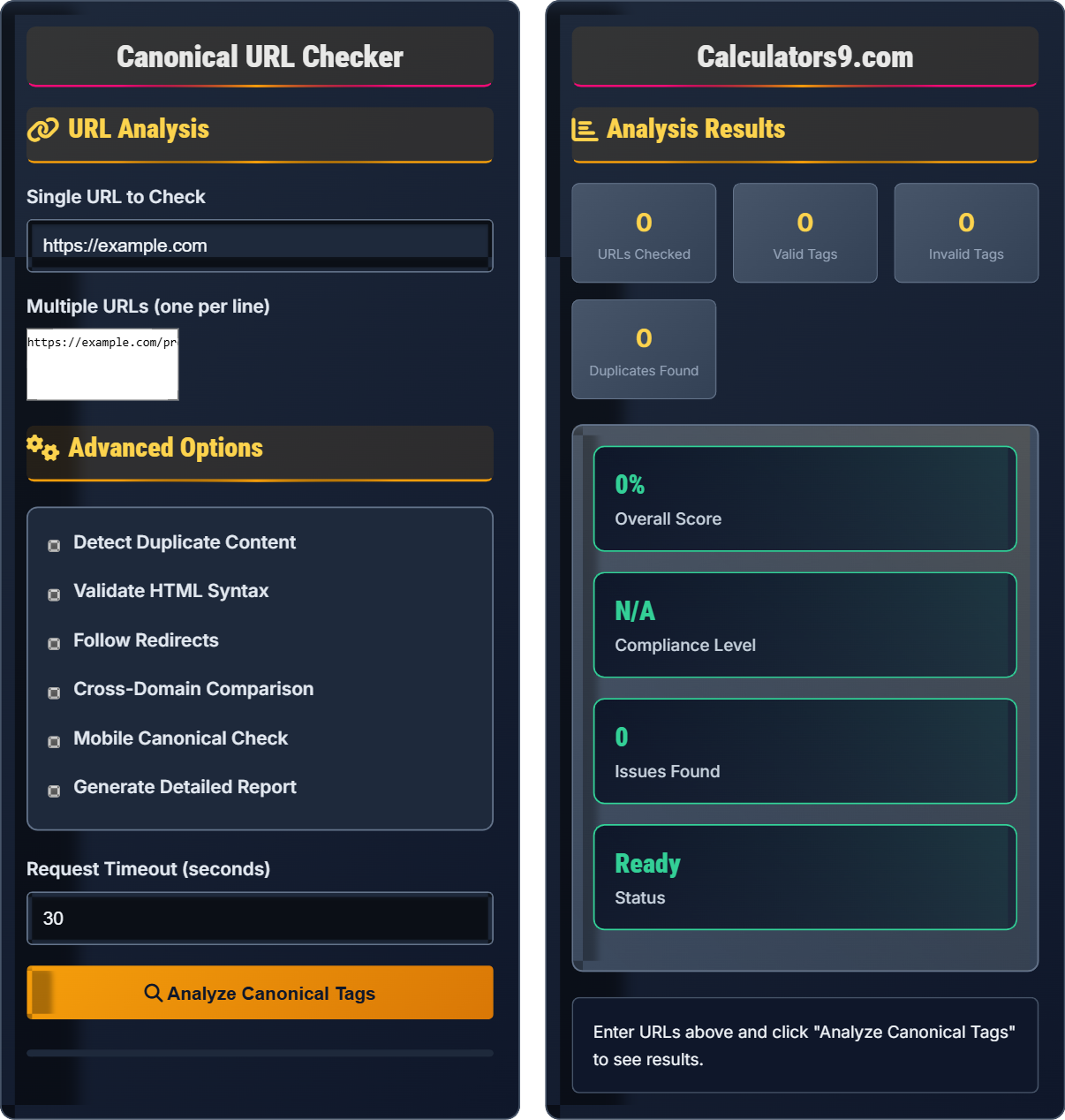
URL Analysis
Advanced Options
Analysis Results
Enter URLs above and click "Analyze Canonical Tags" to see results.
Canonical Tag Fundamentals
Canonical tags are HTML elements that specify the preferred version of a webpage to prevent duplicate content issues. They help search engines understand which URL should be indexed when multiple versions exist.
<link rel="canonical" href="https://example.com/preferred-page" />
Place in the <head> section of your HTML. The href attribute should contain the absolute URL of the preferred version of the page.
- Must be in the <head> section
- Use absolute URLs with protocol
- Point to the most authoritative version
- Self-referential on unique pages
- Only one canonical tag per page
SEO Impact
Proper canonical implementation consolidates link equity, improves crawl efficiency, prevents dilution of search rankings, and helps search engines understand your site structure.
- E-commerce product pages with parameters
- Print-friendly versions of articles
- HTTP vs HTTPS versions
- WWW vs non-WWW versions
- Mobile-specific URLs
- Missing canonical tags on duplicate content
- Incorrect or broken canonical URLs
- Self-referential when not needed
- Conflicting signals with redirects
Canonical Tag Learning Quiz
What is the primary purpose of a canonical tag?
The answer is B) To specify the preferred version of content. Canonical tags tell search engines which version of a page should be indexed when multiple versions exist, helping to prevent duplicate content issues and consolidate link equity.
Canonical tags are crucial for SEO because they help search engines understand your site's structure. When you have multiple URLs pointing to similar content (like product pages with different parameters), canonical tags tell search engines which one to prioritize for indexing and ranking.
Canonical Tag: An HTML element that specifies the preferred version of a webpage
Duplicate Content: Multiple URLs with identical or very similar content
Link Equity: The value passed from one page to another through links
• Must be in the <head> section of HTML
• Only one canonical tag per page
• Use absolute URLs with protocol
• Points to the most authoritative version
• Use self-referencing on unique pages
• Ensure canonical URL is accessible
• Test with Google Search Console
• Pointing to non-existent URLs
• Using relative URLs instead of absolute
• Having multiple canonical tags on one page
Which of the following is the CORRECT syntax for a canonical tag?
The answer is B) <link rel="canonical" href="https://example.com/page" />. This is the correct HTML syntax for a canonical tag, using the link element with rel="canonical" and an absolute href attribute.
Understanding the correct syntax is crucial for proper implementation. The canonical tag must use the link element with the rel attribute set to "canonical". It should be placed in the head section of your HTML document and use an absolute URL.
HTML Element: A tag that defines the structure and content of a web page
Absolute URL: A complete URL including protocol and domain
Head Section: The part of HTML document containing metadata
• Use link element with rel="canonical"
• Include href attribute with absolute URL
• Place in <head> section
• Self-closing tag with forward slash
• Always use absolute URLs (https://)
• Ensure URL is accessible and valid
• Test with SEO tools for verification
• Using meta tags instead of link tags
• Using relative URLs
• Placing in body instead of head
An e-commerce site has a product page that can be accessed through multiple URLs due to sorting and filtering parameters: https://shop.com/product?id=123, https://shop.com/product?id=123&sort=price, https://shop.com/product?id=123&filter=color. How should the canonical tag be implemented?
Each of these pages should have a canonical tag pointing to the main product page: <link rel="canonical" href="https://shop.com/product?id=123" />
This tells search engines that the base product page (without parameters) is the preferred version to index, preventing duplicate content issues while allowing users to access filtered versions.
This is a common scenario in e-commerce where URL parameters create multiple versions of the same content. The canonical tag helps consolidate all these variations to the base URL, preserving SEO value while maintaining functionality for users.
URL Parameters: Variables added to URLs to pass information
Consolidation: Combining SEO value from multiple URLs to oneBase URL: The main version without parameters
• Point to the most authoritative version
• Consistent across all variations
• Maintain user functionality
• Update when base URL changes
• Use server-side logic to implement consistently
• Monitor for parameter changes
• Test with different filter combinations
• Pointing to filtered versions instead of base
• Inconsistent canonical across variations
• Forgetting to update when parameters change
A publisher syndicates content to partner sites and wants to maintain SEO value. Can they use a canonical tag pointing from the partner site back to their original article? What are the implications?
Yes, cross-domain canonical tags are supported and can transfer SEO value. The partner site would include: <link rel="canonical" href="https://original-publisher.com/article" />
This tells search engines that the original publisher's version is the preferred one, helping consolidate link equity. However, this should be done with explicit permission from both parties and is most effective when the content is nearly identical.
Cross-domain canonicalization is a legitimate SEO practice that helps publishers maintain control over their content's ranking when it's syndicated. It's different from traditional same-site canonical tags but follows the same principles of indicating the preferred version.
Cross-Domain Canonical: Canonical tag pointing to a different domain
Content Syndication: Distributing content to multiple sites
Link Equity Transfer: Passing SEO value between domains
• Requires mutual agreement between domains
• Content should be substantially similar
• Use absolute URLs with full domain
• Monitor for effectiveness
• Establish clear agreements with partners
• Ensure content quality matches expectations
• Monitor search performance regularly
• Using without permission from destination domain
• Applying to significantly different content
• Expecting immediate ranking improvements
Which of the following is a common issue with canonical tag implementation?
The answer is D) All of the above. All three issues are common canonical tag implementation problems that can cause search engines to ignore the canonical directive or interpret it incorrectly.
These implementation errors can significantly impact SEO performance. Relative URLs may not resolve correctly, tags in the body section might be ignored, and multiple canonical tags can create confusion about which one to follow.
Relative URL: A partial URL that depends on context
Absolute URL: A complete URL with protocol and domain
Implementation Error: Mistakes in placing or formatting tags
• Always use absolute URLs
• Place only in <head> section
• Limit to one canonical tag per page
• Validate implementation regularly
• Use automated tools to audit canonical tags
• Implement server-side to ensure consistency
• Test across different page templates
• Assuming relative URLs work universally
• Not validating across all page types
• Forgetting to update when site structure changes
FAQ
Q: Can I use canonical tags for paginated content?
A: For paginated content, it's generally recommended to use rel="prev" and rel="next" tags instead of canonical tags. These tell search engines about the sequence of pages.
However, if you want to indicate that the first page is the "preferred" version of the entire series, you can use a canonical tag on subsequent pages pointing to page 1. But be careful - this will consolidate all SEO value to page 1 and potentially cause pages 2+ to not be indexed.
Best practice for paginated content:
- Page 1: rel="next" to Page 2
- Page 2: rel="prev" to Page 1, rel="next" to Page 3
- Last page: rel="prev" to previous page
Q: How often should I audit canonical tags on my site?
A: You should audit canonical tags regularly, especially after major site changes. Here's a recommended schedule:
- Monthly: Spot-check critical pages
- Quarterly: Full site audit using tools like Screaming Frog or Sitebulb
- After major updates: Immediately validate all canonical implementations
- When adding new templates: Ensure canonical logic is correct
Focus on pages with parameters, filtered content, and those that have been recently changed. Automated monitoring tools can alert you to canonical issues as they arise.