Sitemap Validator
XML parsing • SEO compliance • Performance metrics
Sitemap Validation Standards:
Show the validatorA sitemap validator checks XML sitemaps against official standards:
- Schema Compliance: Proper XML structure and tags
- URL Format: Valid URLs with proper encoding
- Size Limits: Under 50MB and 50,000 URLs
- Frequency: Valid changefreq values
- Priority: Values between 0.0 and 1.0
This tool validates sitemaps against Google's Search Console requirements and XML sitemap protocol specifications.
Key Metrics: Schema compliance, URL validity, performance optimization, and search engine readiness help improve website indexing.
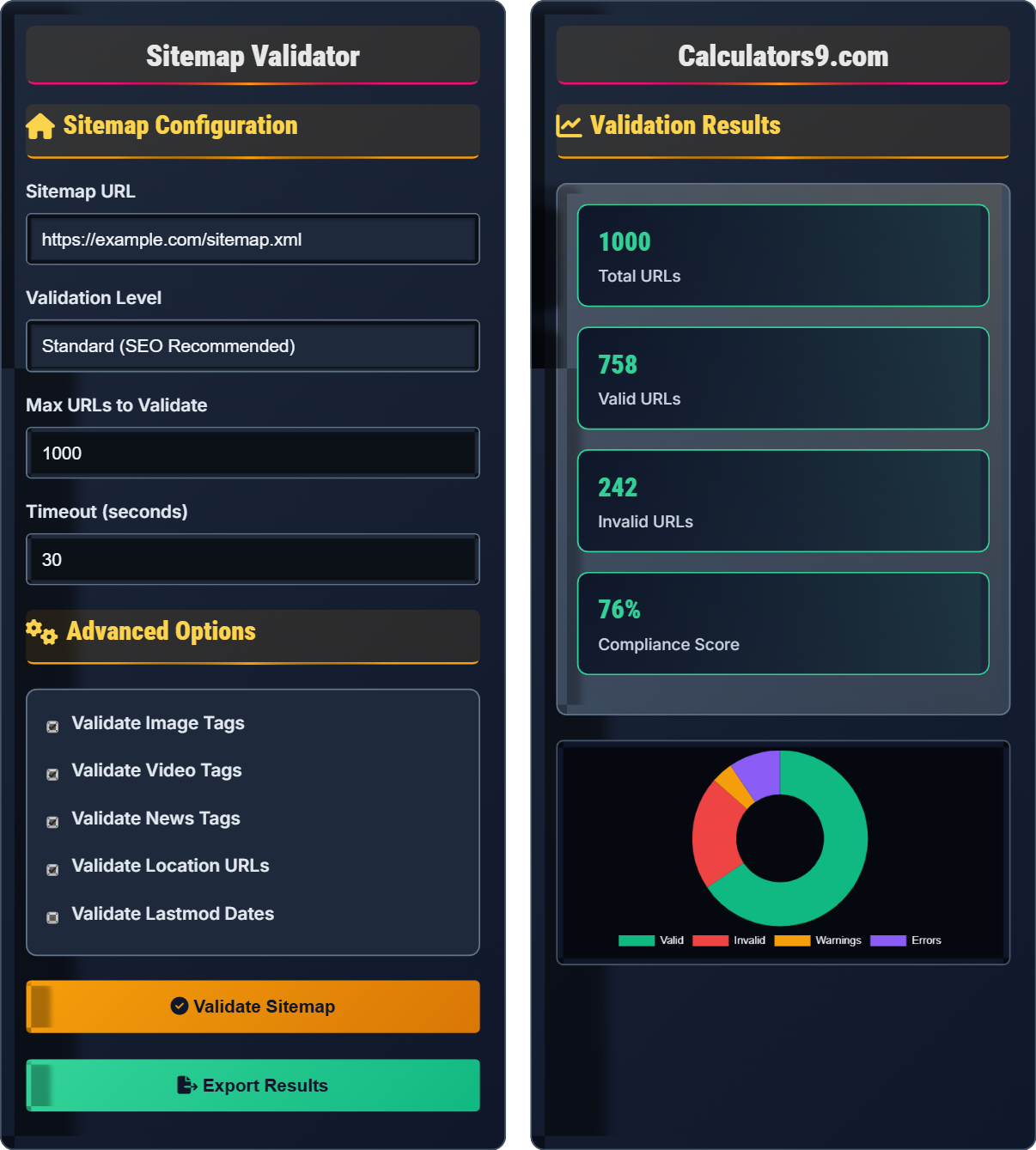
Sitemap Configuration
Advanced Options
Validation Results
| URL | Status | Priority | Changefreq |
|---|
| URL | Error Type | Error Message | Line |
|---|
| URL | Warning Type | Message | Severity |
|---|
Comprehensive Sitemap Guide
A sitemap is an XML file that lists a website's important pages, helping search engines crawl and index the site more efficiently. It serves as a roadmap for search engine bots, indicating which pages to crawl and how often they might change.
Standard XML sitemap structure includes:
Well-structured sitemaps improve SEO in multiple ways:
- Crawling: Helps search engines find all pages
- Indexing: Improves page discovery and indexing
- Priority: Indicates importance of pages
- Change Tracking: Shows when pages are updated
- Size Limits: Keep under 50MB and 50,000 URLs
- Compression: Use gzip compression (.xml.gz)
- Location: Place at root directory
- Submission: Submit to search console
- Updates: Keep sitemap current with content
Sitemap Validation Learning Quiz
What is the correct root element for an XML sitemap?
The answer is B) <urlset>. The XML sitemap protocol specifies that the root element must be <urlset>, which contains all the individual URL entries. This is defined in the official sitemap protocol specification.
Understanding the correct XML structure is fundamental for sitemap validation. The <urlset> element is required by the sitemap protocol and must include the namespace declaration. All individual URL entries are contained within this root element.
Sitemap Protocol: Official XML format specification for sitemaps
Root Element: Top-level element in an XML document
Namespace: URI that defines the vocabulary for XML elements
• Root element must be <urlset>
• Must include xmlns attribute
• Contains individual <url> elements
• Remember: "URL Set" = <urlset>
• Always include the xmlns="http://www.sitemaps.org/schemas/sitemap/0.9" attribute
• Validate structure before content
• Using <sitemap> as root element instead of <urlset>
• Forgetting the namespace declaration
• Mixing sitemap and urlset elements
What are the valid values for the <priority> element in a sitemap, and what do they represent?
Valid priority values range from 0.0 to 1.0 in increments of 0.1:
Step 1: Minimum value = 0.0 (lowest priority)
Step 2: Maximum value = 1.0 (highest priority)
Step 3: Common values: 1.0 for homepage, 0.9-0.7 for main sections, 0.5 for normal pages, 0.1-0.3 for less important pages
Step 4: The priority is relative within the site, not absolute across the web
Therefore, priority values indicate the relative importance of pages within a single site.
The priority value is relative within the context of a single website. A page with priority 0.5 is considered equally important as other pages with 0.5, but more important than pages with 0.3. Search engines use this as a hint for crawling priorities, not as a guarantee of ranking.
Priority: Relative importance of a URL compared to other URLs on the same site
Relative Value: Comparison within the same domain, not globally
Crawling Hint: Suggestion to search engines, not a directive
• Values must be between 0.0 and 1.0
• Must be decimal numbers
• Used as a crawling hint, not ranking factor
• Use 1.0 only for your most important page (usually homepage)
• Don't use 0.0 unless page should be de-emphasized
• Maintain consistent priority scheme across site
• Setting all pages to priority 1.0 (defeats purpose)
• Using values outside 0.0-1.0 range
• Confusing priority with ranking factor
A website has 65,000 pages to index. A sitemap can contain a maximum of 50,000 URLs. How many separate sitemap files are needed? If each sitemap file is 40MB and the maximum size is 50MB, are these files within limits?
Step 1: Calculate number of sitemap files needed = ceil(65,000 / 50,000) = ceil(1.3) = 2 files
Step 2: Each file would contain: First file = 50,000 URLs, Second file = 15,000 URLs
Step 3: Check size limits: 40MB < 50MB, so files are within size limits
Therefore, 2 separate sitemap files are needed, and they are within both URL count and size limits.
When a website exceeds sitemap limits, you must create multiple sitemap files and reference them in a sitemap index file. The 50,000 URL limit and 50MB size limit are hard requirements set by search engines to ensure efficient processing.
Sitemap Index: File that references multiple sitemap files
URL Limit: Maximum 50,000 URLs per sitemap file
Size Limit: Maximum 50MB per sitemap file (uncompressed)
• Max 50,000 URLs per sitemap
• Max 50MB per sitemap (uncompressed)
• Use sitemap index for multiple files
• Plan sitemap structure before exceeding limits
• Use gzip compression to reduce file size
• Organize sitemaps by content type or sections
• Exceeding 50,000 URL limit per file
• Creating oversized sitemap files
• Forgetting to update sitemap index after changes
A sitemap validator checks the <changefreq> values. According to the sitemap protocol, what are the valid values and what do they mean? If a page has <changefreq>weekly</changefreq> and <lastmod>2023-01-01</lastmod>, and today is 2023-01-15, does this match the expected update pattern?
Step 1: Valid changefreq values are: always, hourly, daily, weekly, monthly, yearly, never
Step 2: "weekly" means content changes approximately once per week
Step 3: From 2023-01-01 to 2023-01-15 = 14 days = 2 weeks
Step 4: With weekly frequency, we'd expect 2 updates in 2 weeks, but only 1 date is provided
Therefore, the changefreq "weekly" may not accurately reflect the actual update pattern based on the lastmod date.
Changefreq is a suggestion to search engines about how often content changes. It's not a strict rule but should reflect actual content update patterns. The combination of changefreq and lastmod helps search engines optimize crawling schedules.
Changefreq: Suggested frequency of content updates
Lastmod: Date of last modification
Crawling Schedule: Search engine plan for revisiting pages
• Only 7 valid changefreq values
• Values are case-sensitive
• Should reflect actual update patterns
• Match changefreq to actual content update frequency
• Use "never" for static pages
• Update lastmod when content changes
• Using invalid changefreq values
• Setting changefreq higher than actual update frequency
• Not updating lastmod when content changes
When is a sitemap index file required?
The answer is B) When you exceed 50,000 URLs or 50MB. A sitemap index file is required when you need to create multiple sitemap files due to the limits of 50,000 URLs per file or 50MB per file. It serves as a master file pointing to all individual sitemap files.
The sitemap index file acts as a central registry for all sitemap files. Search engines first read the index file to discover all the individual sitemap files, then process each one. This hierarchical approach allows websites of any size to be properly indexed.
Sitemap Index: XML file listing multiple sitemap files
Hierarchical Structure: Index file points to individual sitemaps
Discovery: How search engines find all sitemap files
• Required when exceeding limits
• Uses <sitemapindex> root element
• Points to individual sitemap files
• Name index file sitemap.xml or sitemap-index.xml
• Include lastmod in index for each sitemap
• Submit index file to search consoles
• Creating multiple sitemaps without index file
• Exceeding 50,000 URLs without splitting
• Forgetting to submit index file to search consoles
Sitemap Validation Fundamentals
Process of verifying XML sitemap structure and content against standards.
- Parse XML structure
- Validate schema compliance
- Check URL formats
- Verify limits (size/count)
- Generate compliance report
- Must use proper XML syntax
- Respect size and URL limits
- Include required elements
- Validate URL encoding
SEO Impact
Valid sitemaps improve search engine crawling and indexing.
- Submit to search consoles
- Keep sitemaps current
- Use appropriate priorities
- Include all important pages
- Update sitemaps when content changes
- Use changefreq appropriately
- Validate regularly for errors
- Monitor indexing in search console
FAQ
Q: How often should I validate my sitemap?
A: Sitemap validation frequency depends on your content update schedule:
- After major site updates: Always validate when restructuring
- Weekly: For sites with regular content additions
- Monthly: For static sites with infrequent updates
- Continuous: For large dynamic sites with CI/CD pipelines
Additionally, validate whenever you receive indexing warnings in Google Search Console or notice drops in organic traffic that might indicate crawling issues.
Q: What's the difference between sitemap validation and submission?
A: Sitemap validation checks the technical correctness of your sitemap file, while submission tells search engines where to find it:
- Validation: Checks XML structure, URL formats, compliance with standards
- Submission: Informs search engines about sitemap location via Search Console
- Relationship: Validated sitemaps should be submitted to maximize effectiveness
- Tools: Validation happens before submission for best results
Think of validation as quality assurance and submission as delivery notification.